
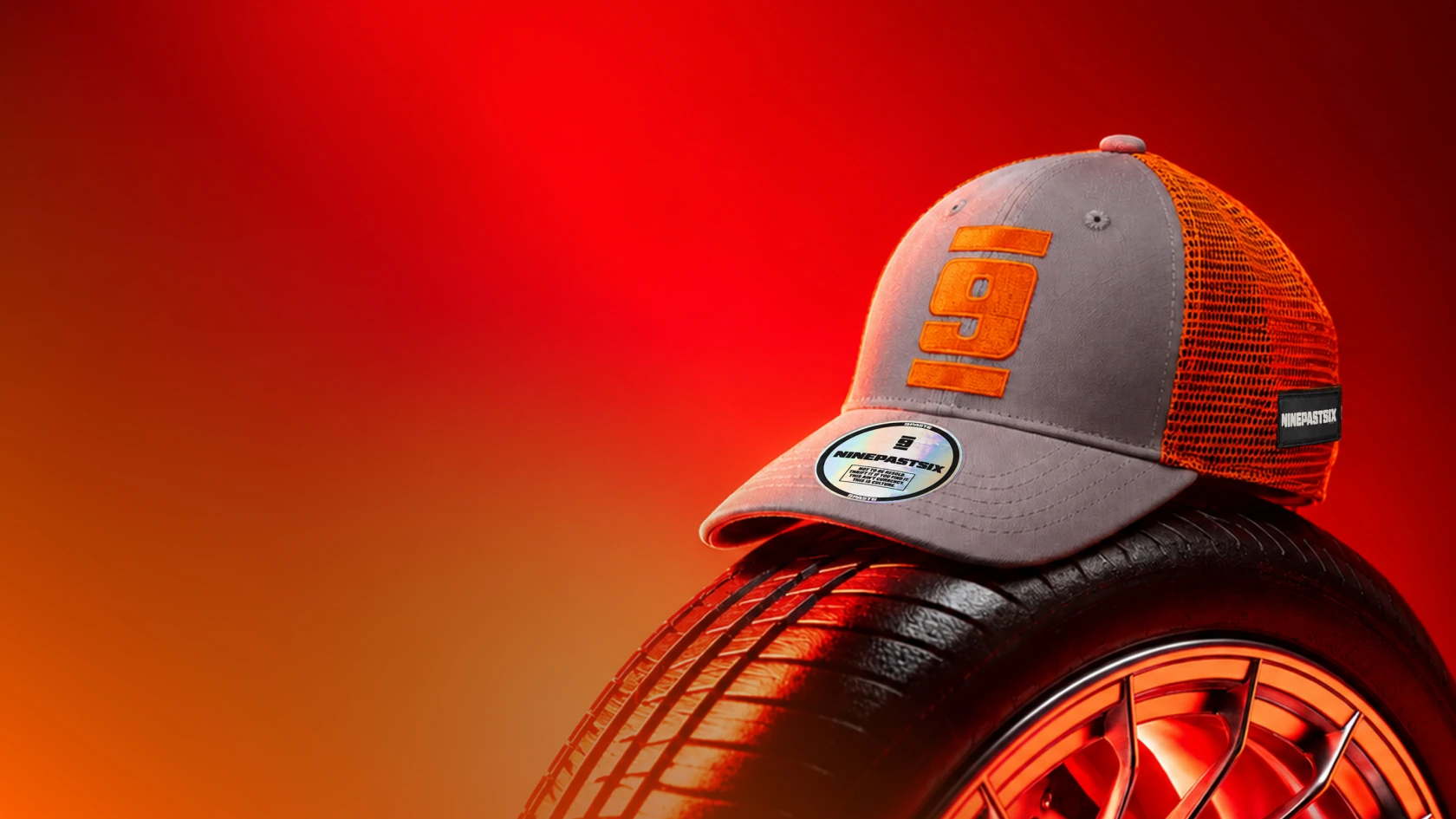
Ecommerce design & creative direction
NinePastSix
- Shopping experience
- Shopify development
- Creative direction
I led the design, development and creative direction for a new premium streetwear store, connecting styling inspiration with product selection, payment and customer communication.
01 / The brief
An existing identity.
A new shopping experience.
NinePastSix needed its first ecommerce store: responsive, aligned with its premium streetwear identity and straightforward to update. The team also wanted a payment approach that addressed the anticipated cost of uncommitted cash-on-delivery orders.
- My role
- Design, Shopify development
and creative direction - Timeline
- July to October 2026
Followed by refinement and documentation - Starting point
- Supplied brand guidelines
Wave Shopify theme and real product flat lays
Make complete looks shoppable.
Connect styling inspiration with individual size choices and a complete-look offer.
Offer a partial-payment path.
Ask for an advance before dispatch while keeping full online payment available.
Build imagery from available assets.
Use real product photographs to create model imagery within the production budget.
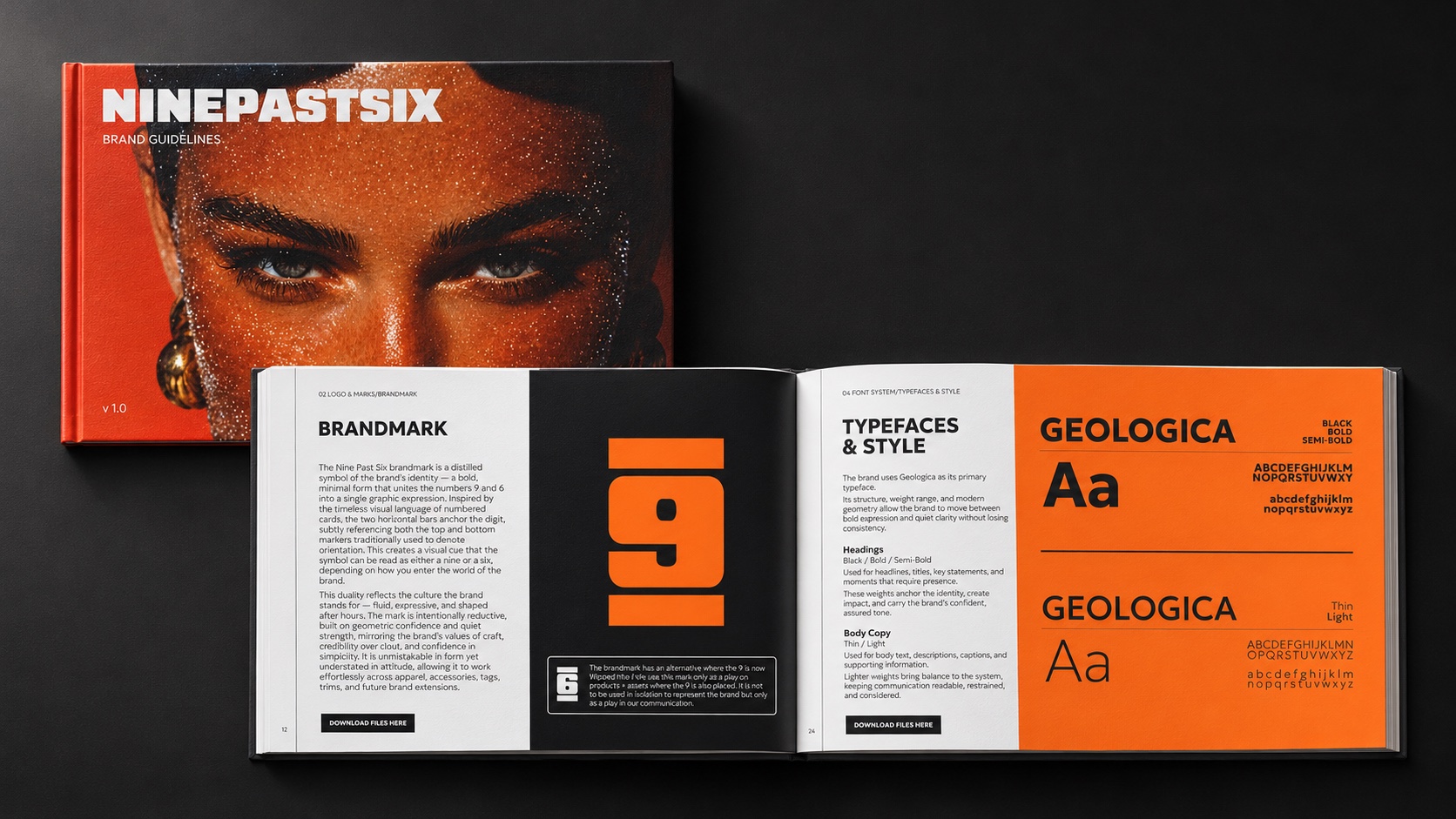
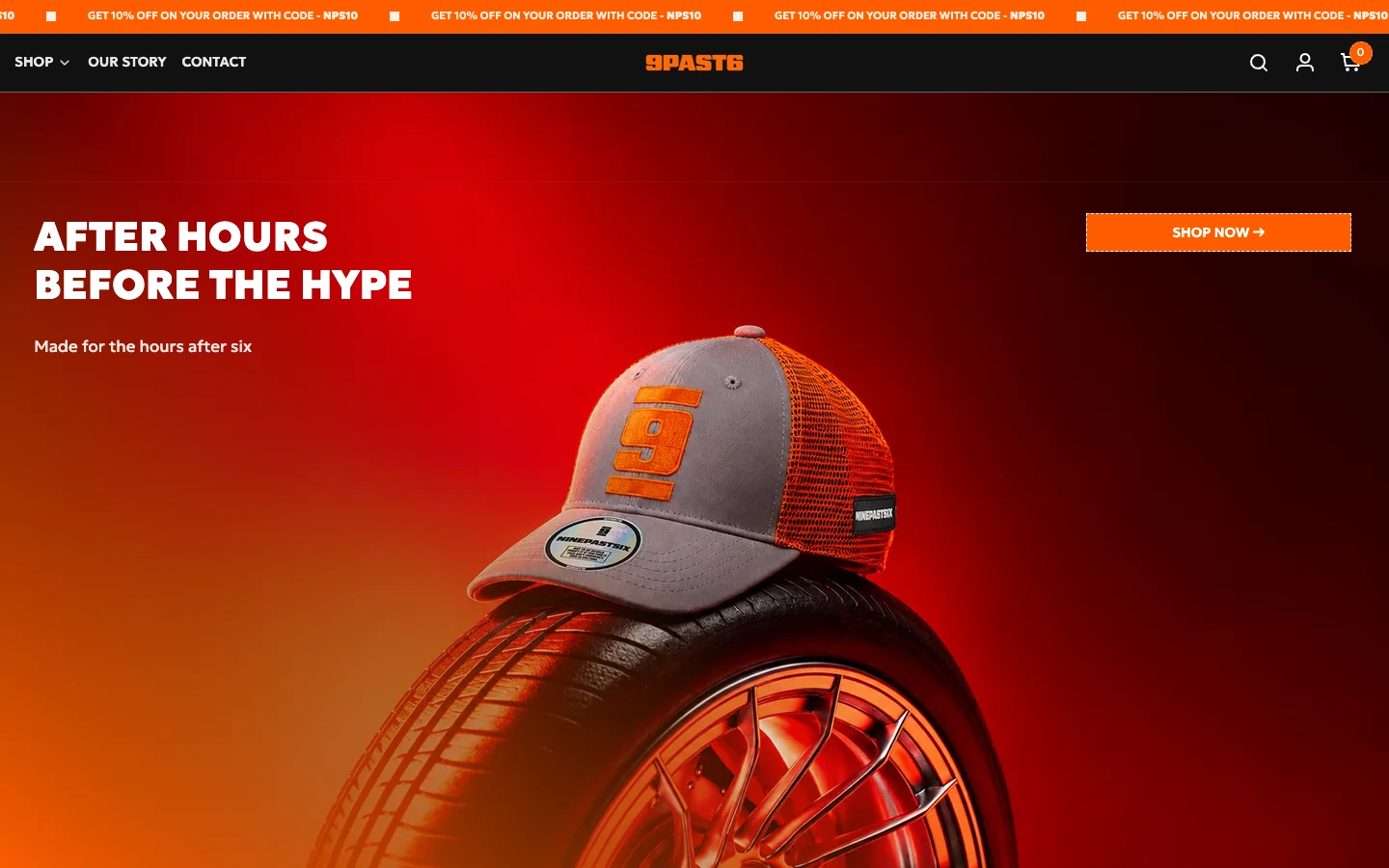
Brand foundation and homepage.
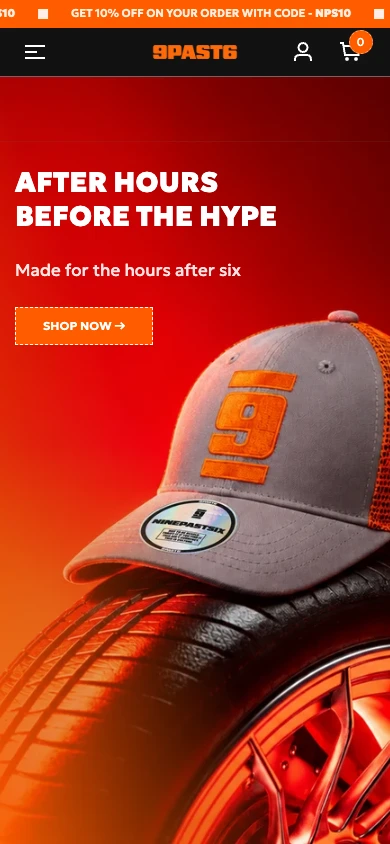
The supplied guidelines included personas spanning students, creative professionals and more established buyers. These existing brand references and client feedback provided context around identity, fit, quality and trust. I chose the Shopify-approved Wave theme as a foundation, then customised it and built new sections using Shopify MCP with Codex.
Desktop
Mobile
02 / Shopping & selection
From styling inspiration
to a complete look.
I built interactive shopping sections around exploring products and choosing an outfit. The custom work included the homepage shoe interaction and Try the Look, alongside a custom footer, an About-page shoe timeline and refinements to the Wave theme.
Interactive shopping feature
Try the Look.
Shoppers can move between outfits, choose a size for each included product and add a complete look with 10% off. Animation, visual depth and responsive product selection had to work together.
Desktop
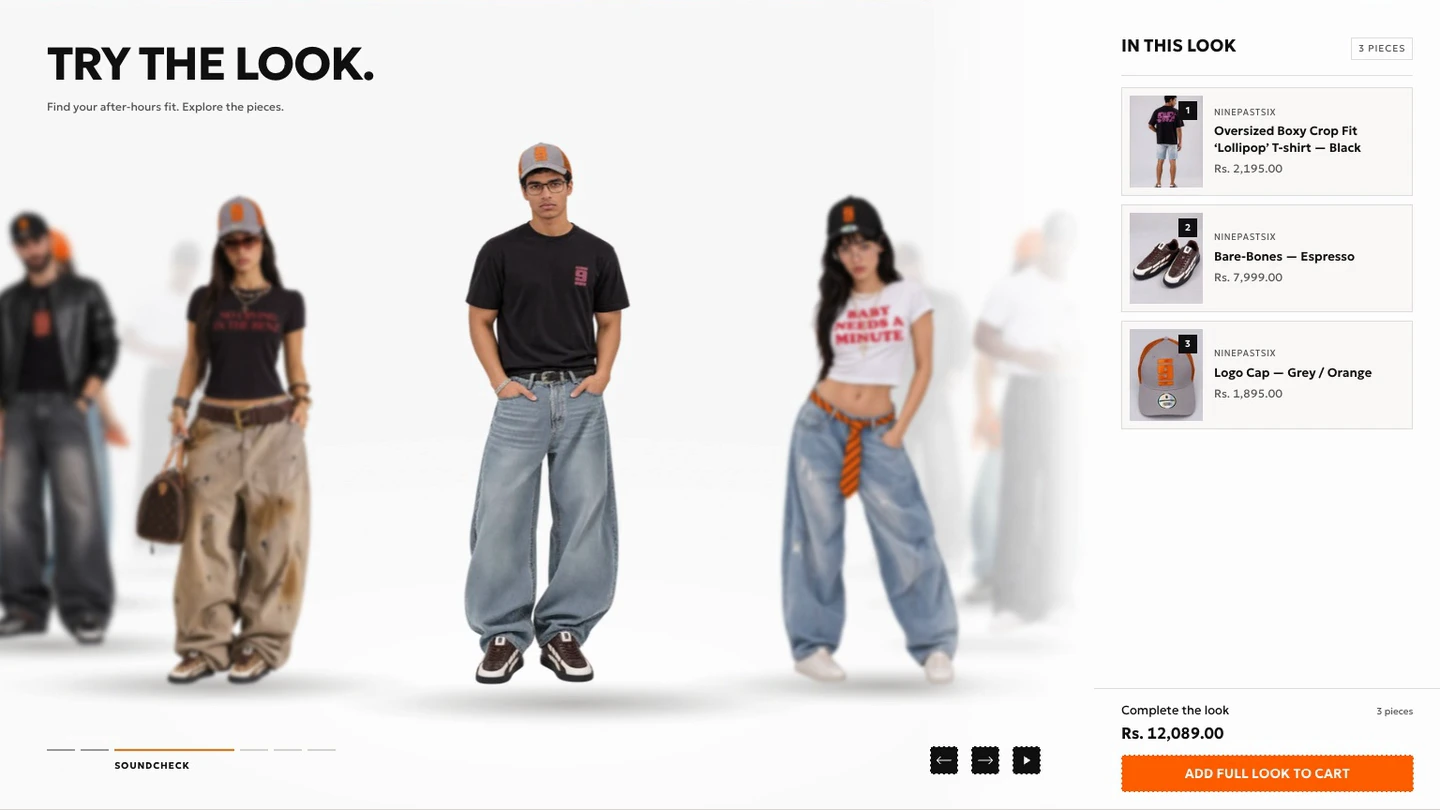
Mobile
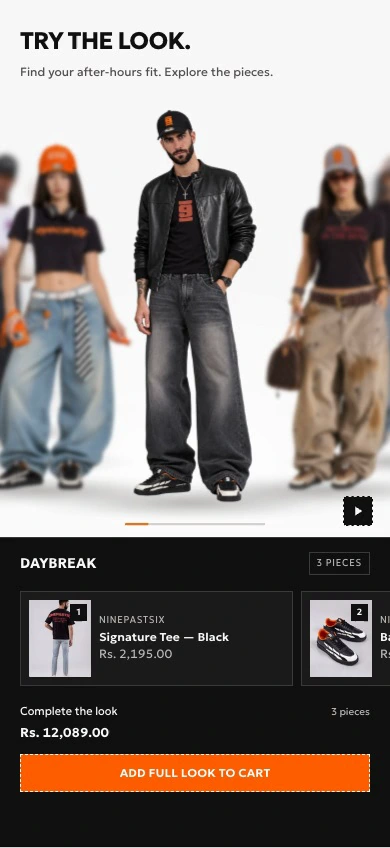
Styling notes
Two looks, head to toe.
I used these model photos for the faces and flat lays for the tees.
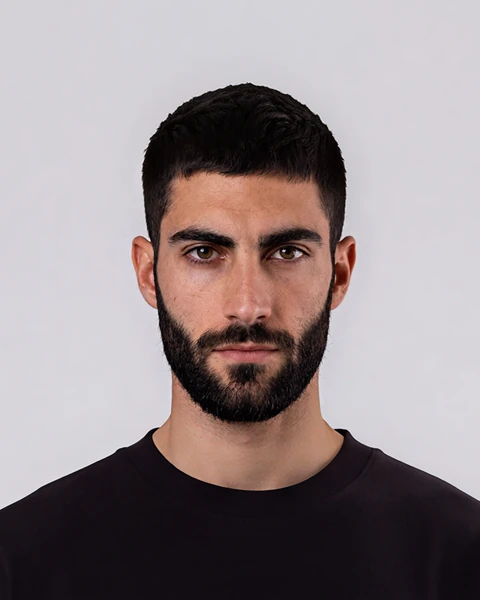 Face reference
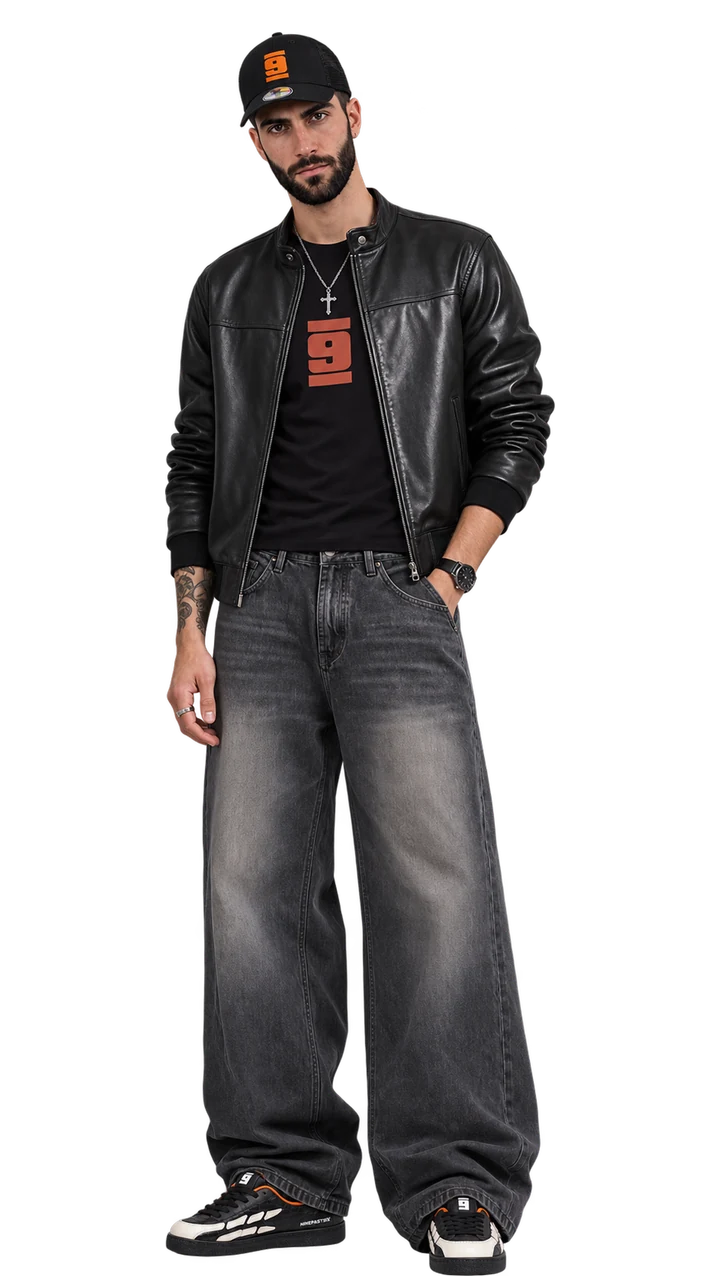
- Black logo cap
- Leather jacket over a graphic tee
- Faded black jeans
- Blackout sneakers
Clothing and accessories
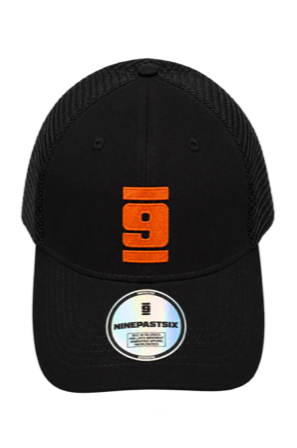 Black logo cap
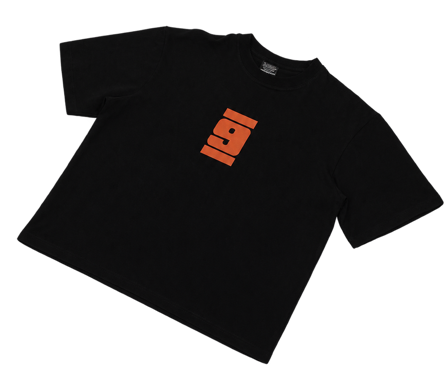 Black Signature tee flat lay
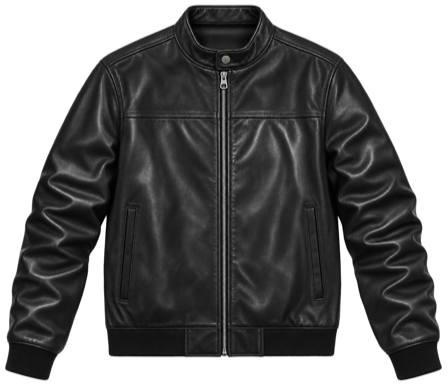 Black leather jacket
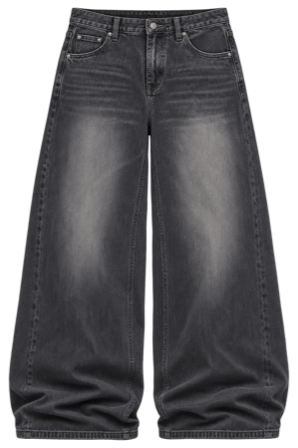 Faded charcoal denim
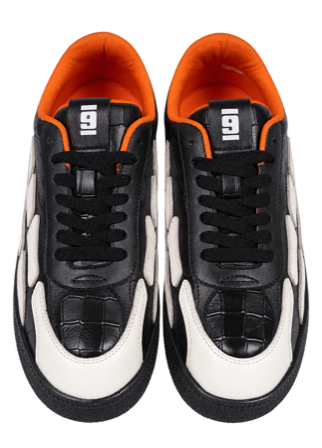 Bare-Bones Blackout
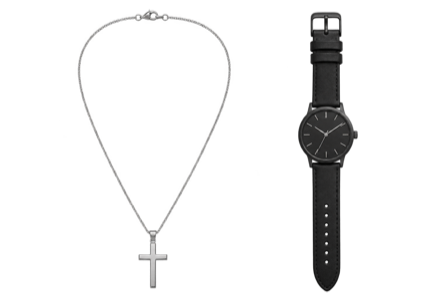 Cross pendant and watch
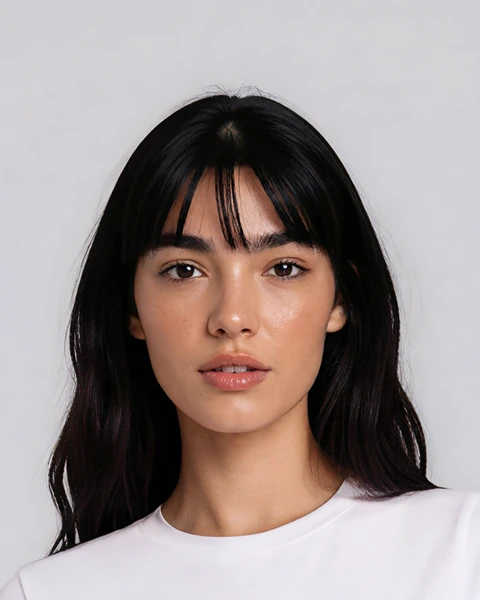 Face reference
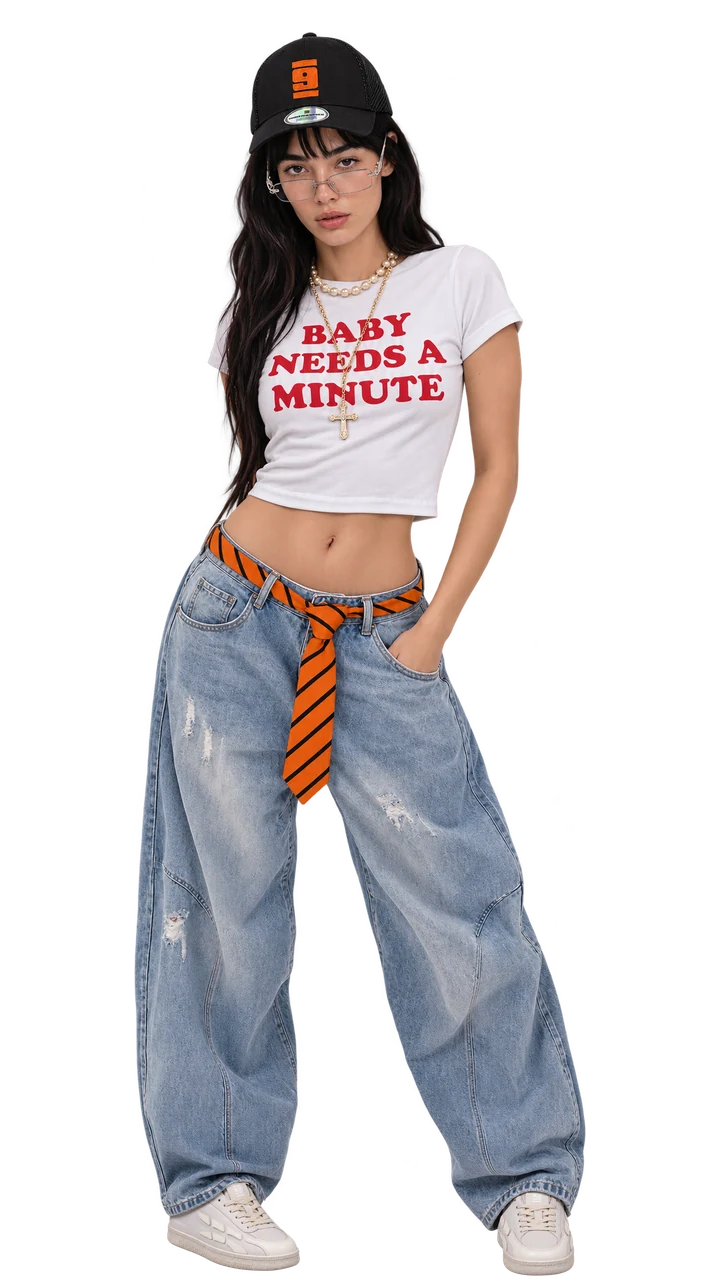
- Black logo cap
- White graphic tee
- Loose jeans with a tie as a belt
- Daybreak sneakers
Clothing and accessories
- Black logo cap
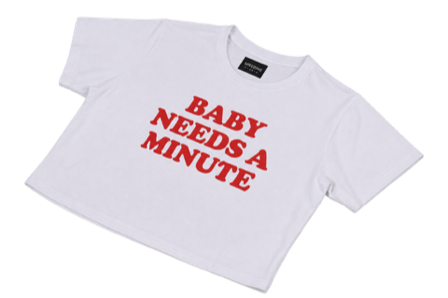 White Baby Needs a Minute tee flat lay
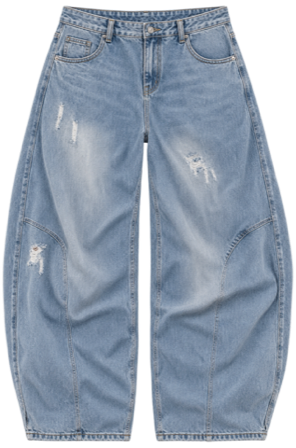 Baggy denim
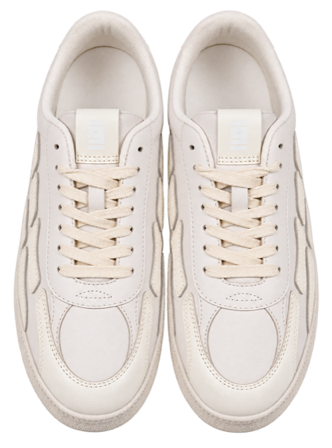 Bare-Bones Daybreak
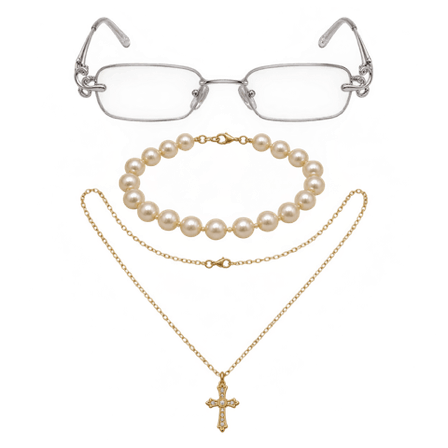 Glasses and jewellery
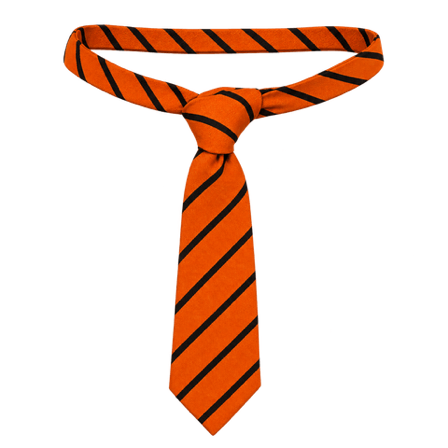 Orange striped tie
A pre-launch correction
The offer had to stay
with the complete look.
The first implementation applied 10% off the whole cart when a complete look was added alongside a regular T-shirt. I created separate bundle products and restricted the discount to those products before launch.
Initial behaviour
- Complete look
- 10% off
- Extra T-shirt
- 10% off
The offer extended to unrelated items.
Corrected before launch
- Complete look
- 10% off
- Extra T-shirt
- Regular price
Only the complete look receives the offer.
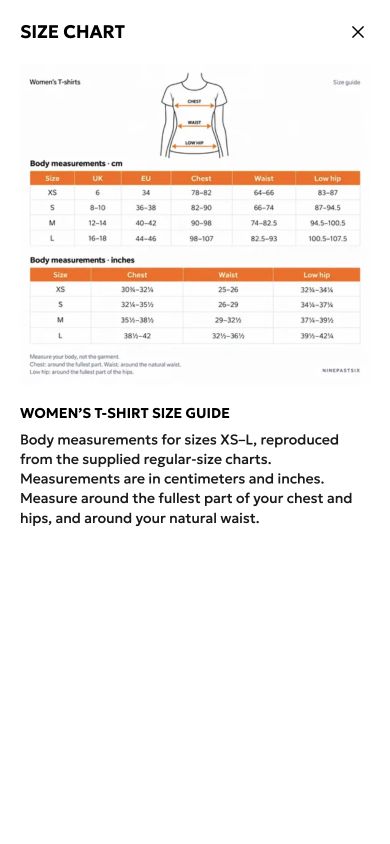
Shoppers choose a size for each included product. If an item or size is unavailable, available pieces can still be purchased individually, without the bundle discount.
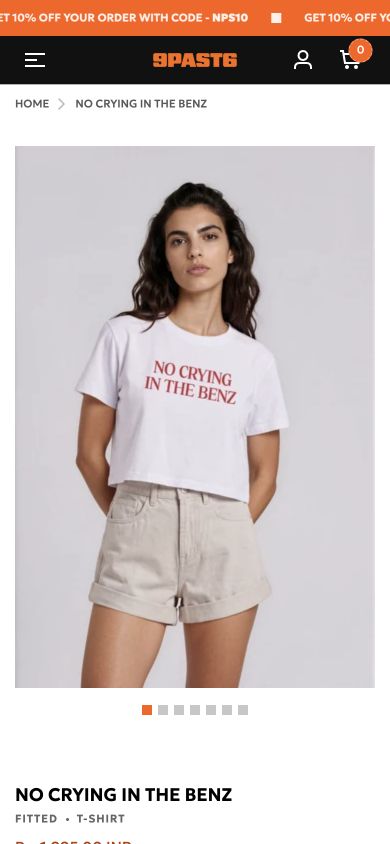
Product interactions and responsive layouts.
Desktop
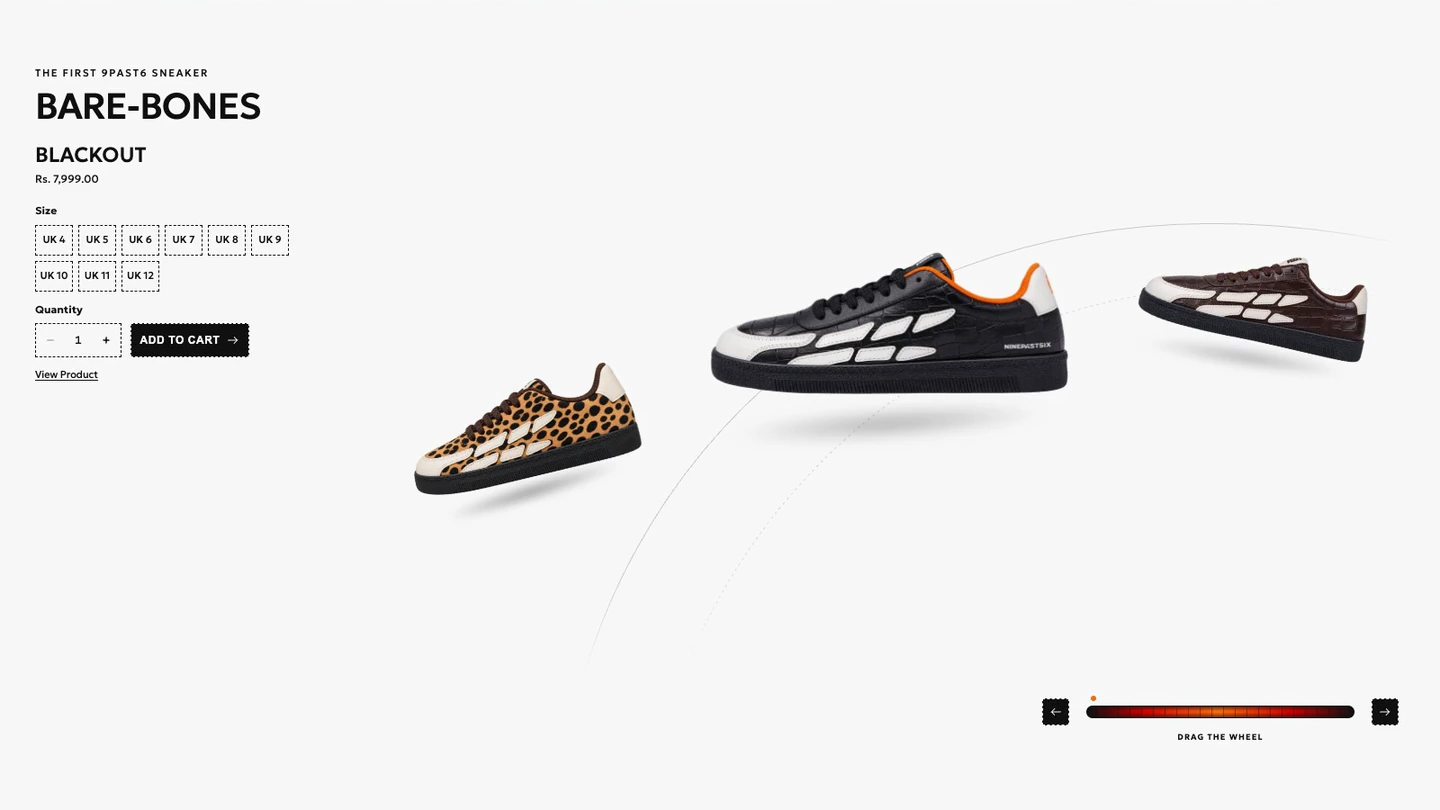
Mobile
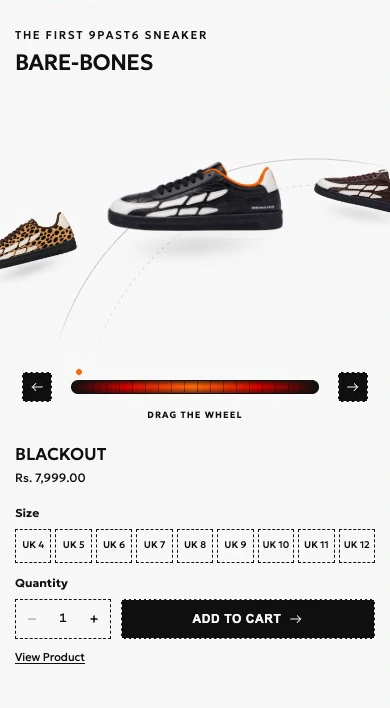
Custom cursor interaction. Move, hover and click to try it.Custom cursor interaction, built from the NinePastSix monogram.
Swipe or scroll sideways to see both product pages.
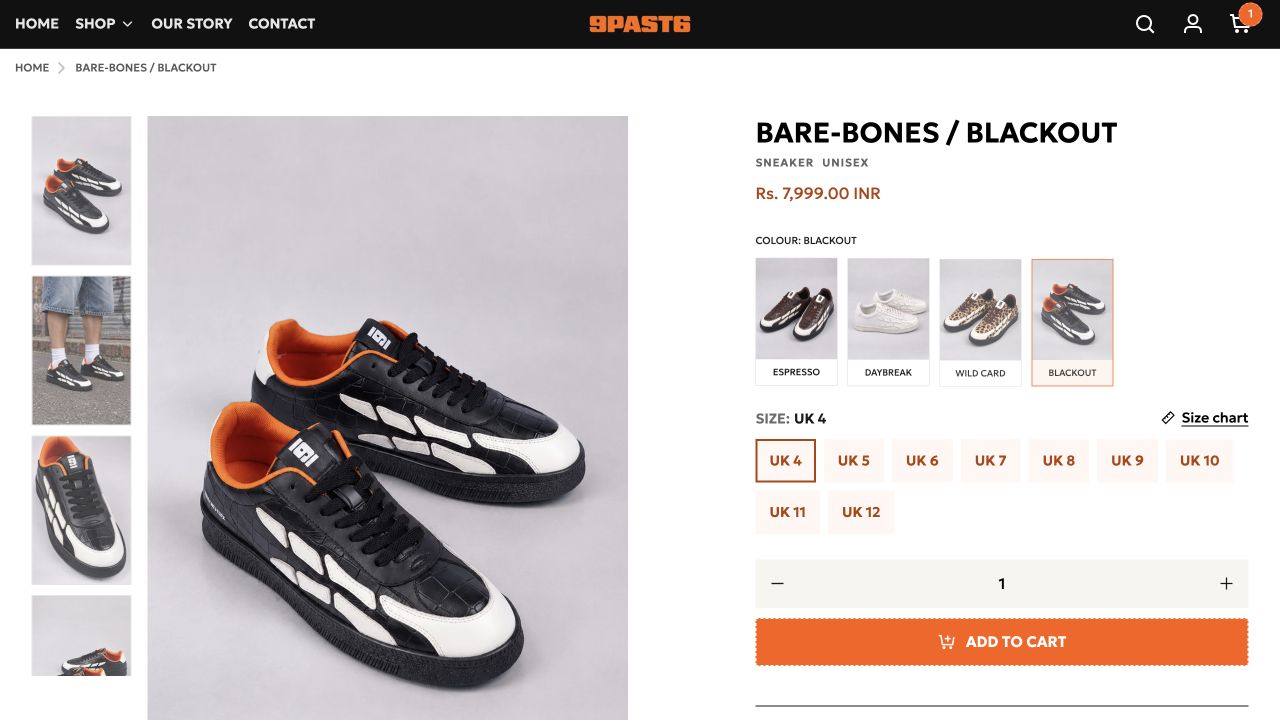
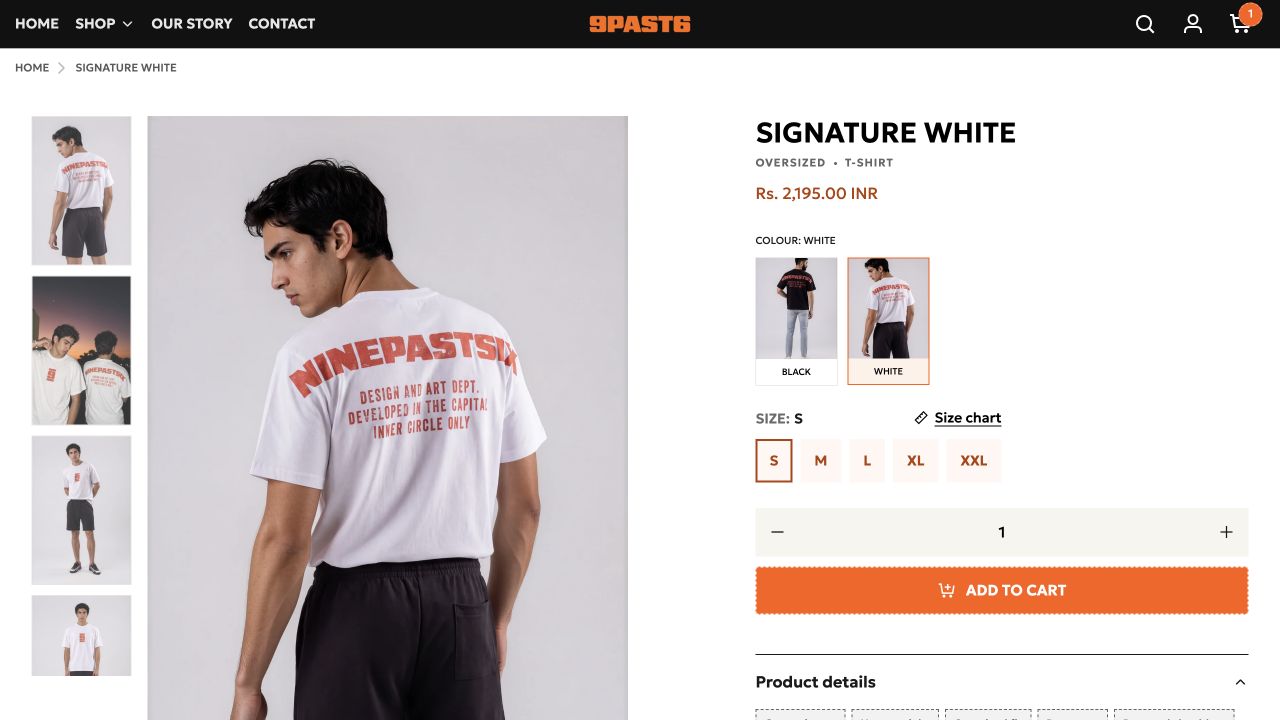
Swipe or scroll sideways to see each step.
- Product gallery
- Colour and size
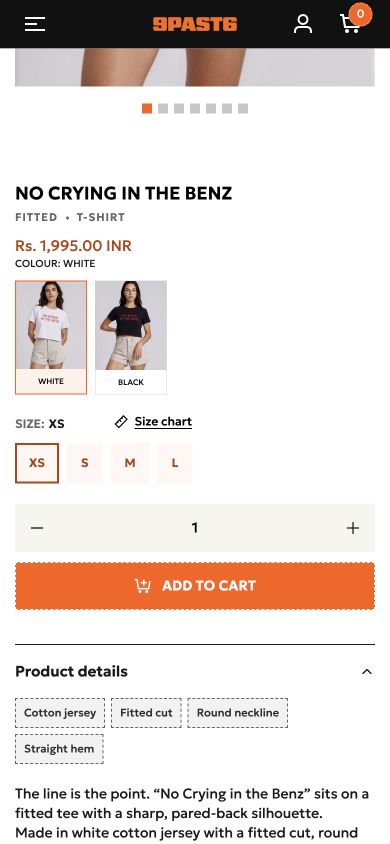
- Fit guide
03 / Checkout & commitment
Pay an advance.
Keep the choice.
The team and I agreed on a 30% advance, with the remaining 70% collected on delivery. Full online payment remains available. The advance was intended to encourage commitment before dispatch, with an extra step and an upfront cost for shoppers choosing COD.
- 01
Start checkout
The shopper moves from their cart into checkout.
- 02
Verify the phone number
Number confirmation comes before payment selection.
- 03
Choose how to pay
Pay in full online or pay 30% now and 70% on delivery.
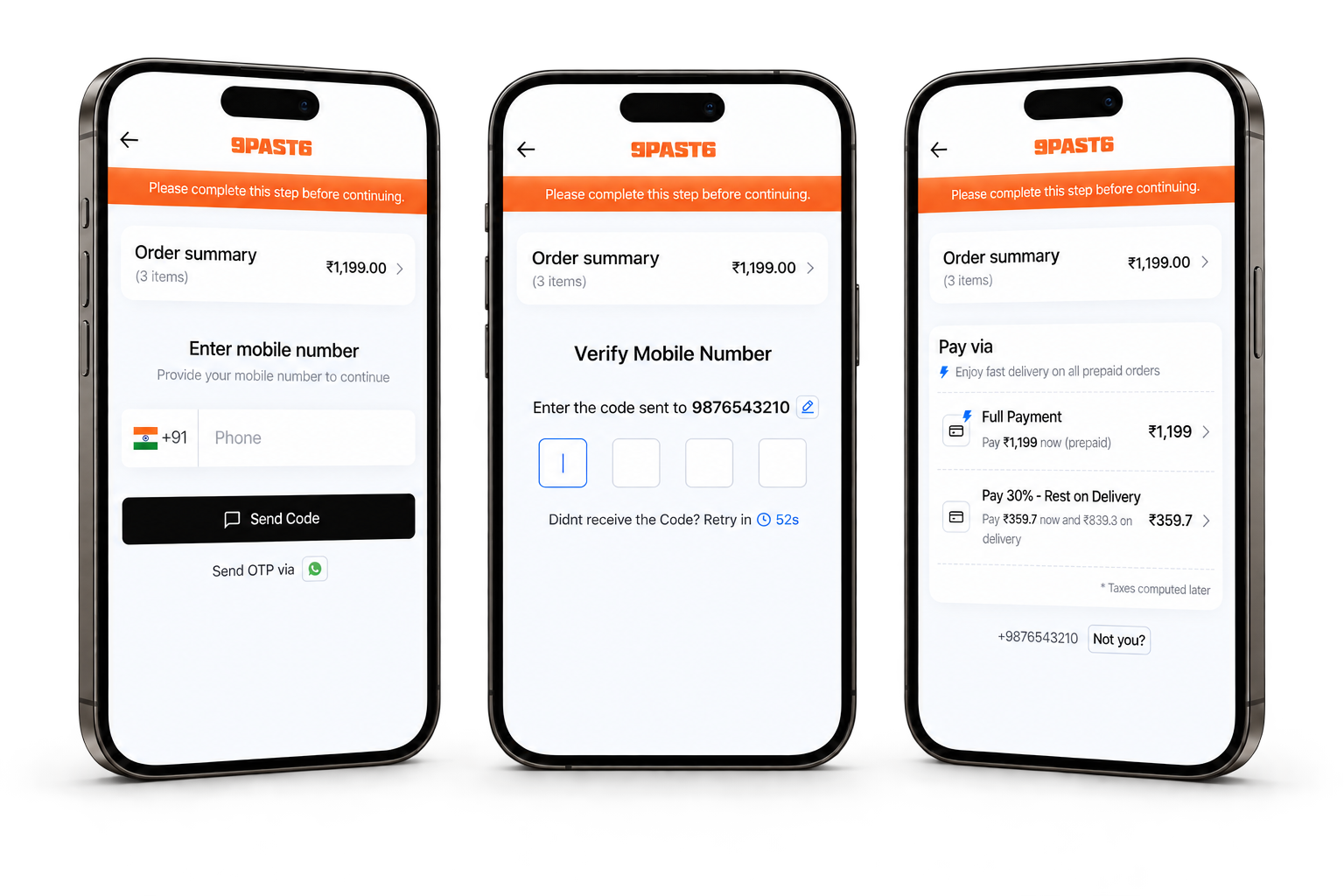
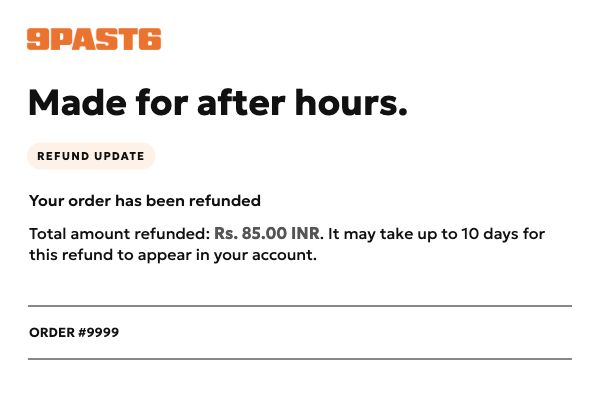
Razorpay handles online payment, with COD King supporting verification and payment choices. Phone verification confirms access to a number; it does not guarantee acceptance on delivery.
I repeatedly checked the purchase journey and payment paths end to end on several devices before launch, using WiFi, 4G and 5G. These were functional checks of the implemented flows.
04 / Product content & design system
Document the patterns.
Build on the experience.
I connected product-specific text and images to Shopify dynamic fields, so content can change within a shared page layout. After building the store, I documented its visual foundations, components, states and responsive layouts in Figma for team handoff and future design additions.
From component to page
One page.
Reusable parts.
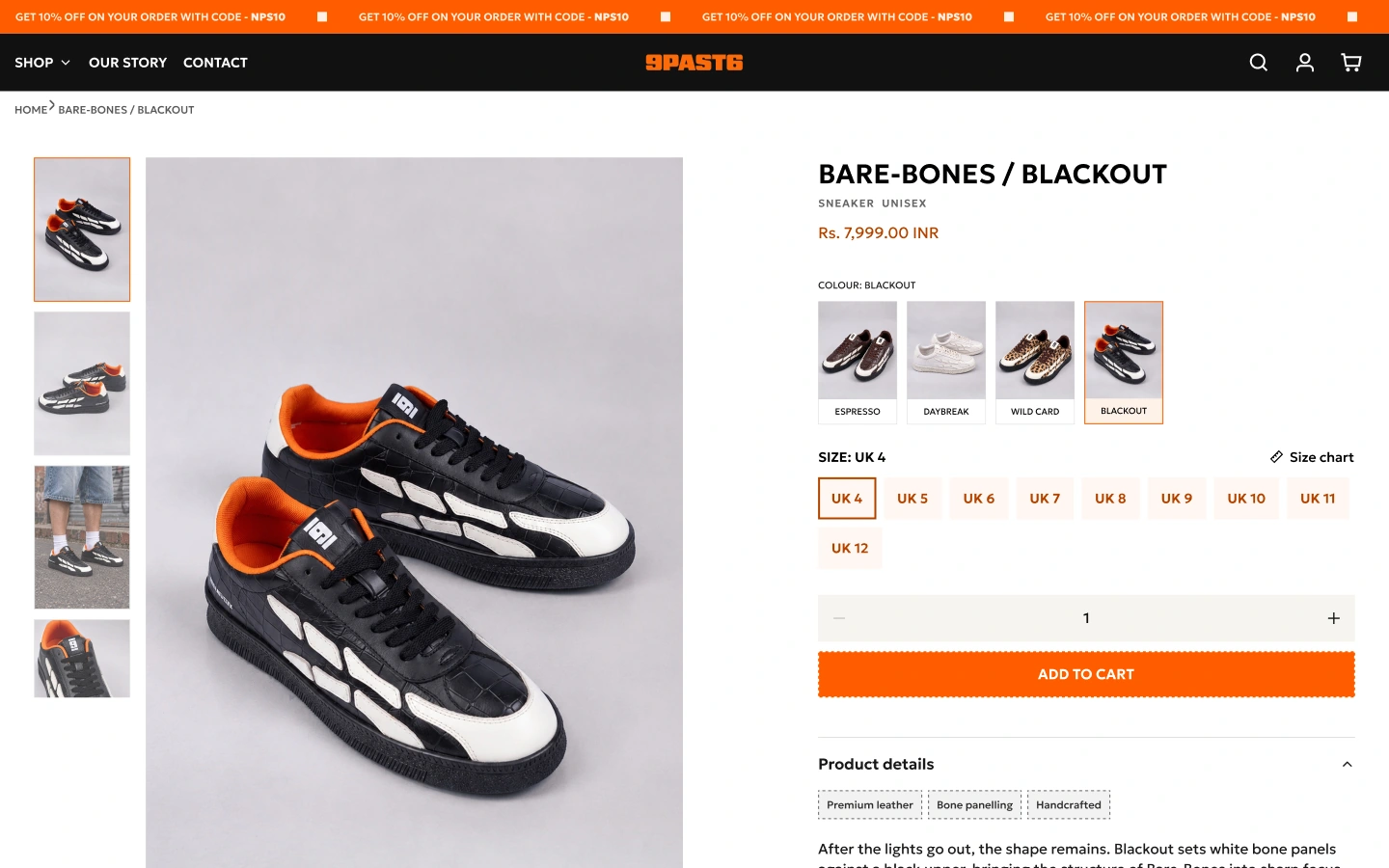
Navigation, colour choices, size selection and purchase controls form a shared product-page pattern. The Figma library makes those parts available as an editable reference.
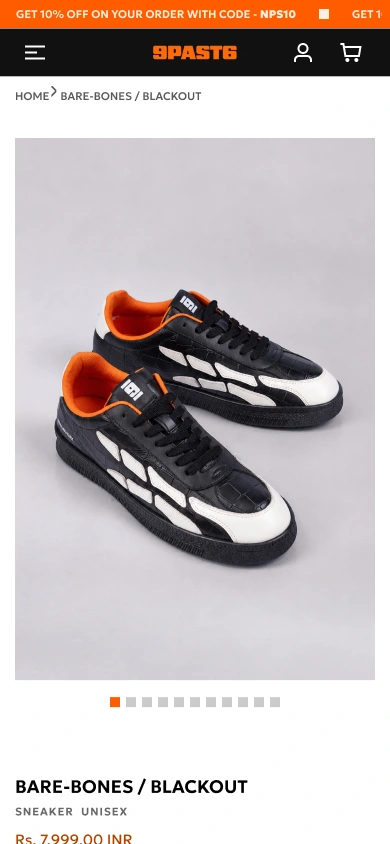
Product / Mobile
Components behind the page

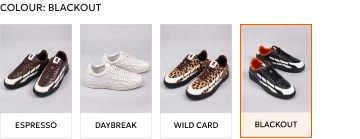
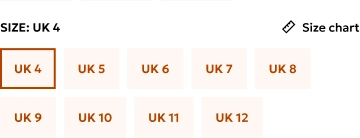
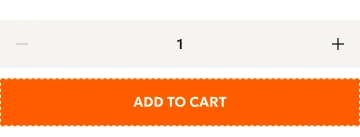
Editable product content
Individual details.
A shared page layout.
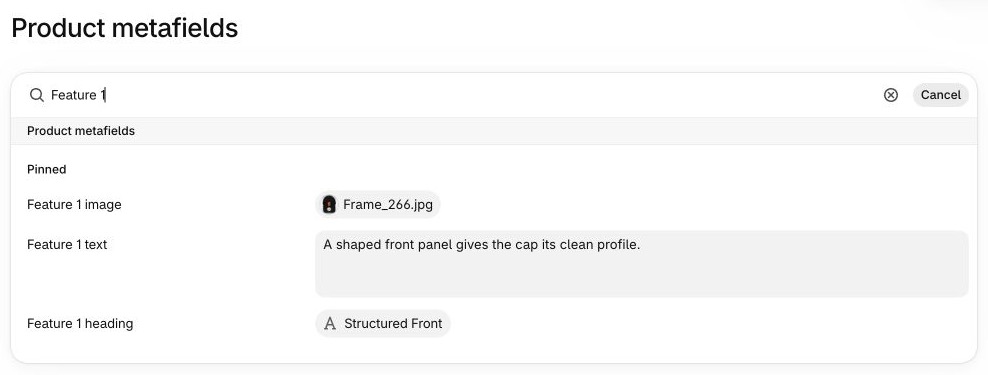
Product-specific fields connect the store's text and imagery to a consistent layout.
One layout.
A story for each product.
- Heading
- Structured Front
- Description
- A shaped front panel gives the cap its clean profile.
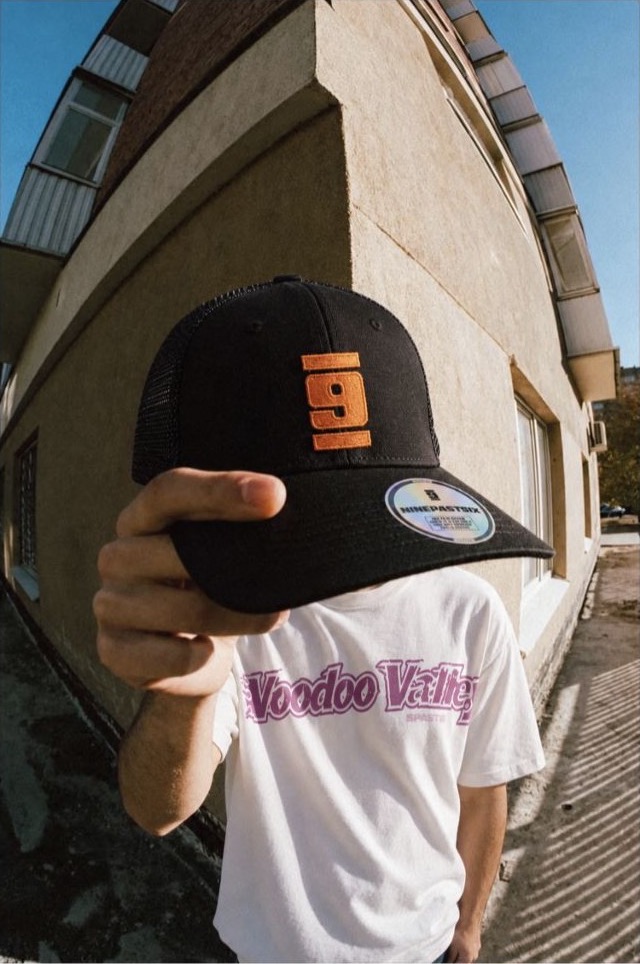
- Photography
- A front view of the embroidered cap
Swipe or scroll sideways to read the fields.

The foundations
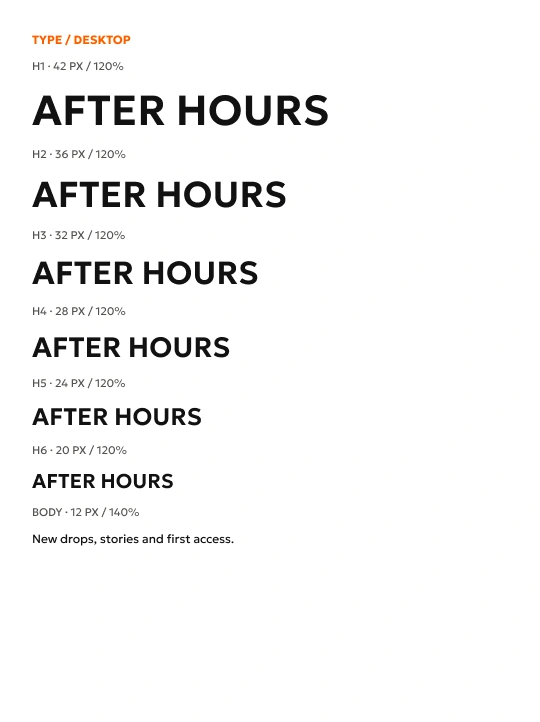
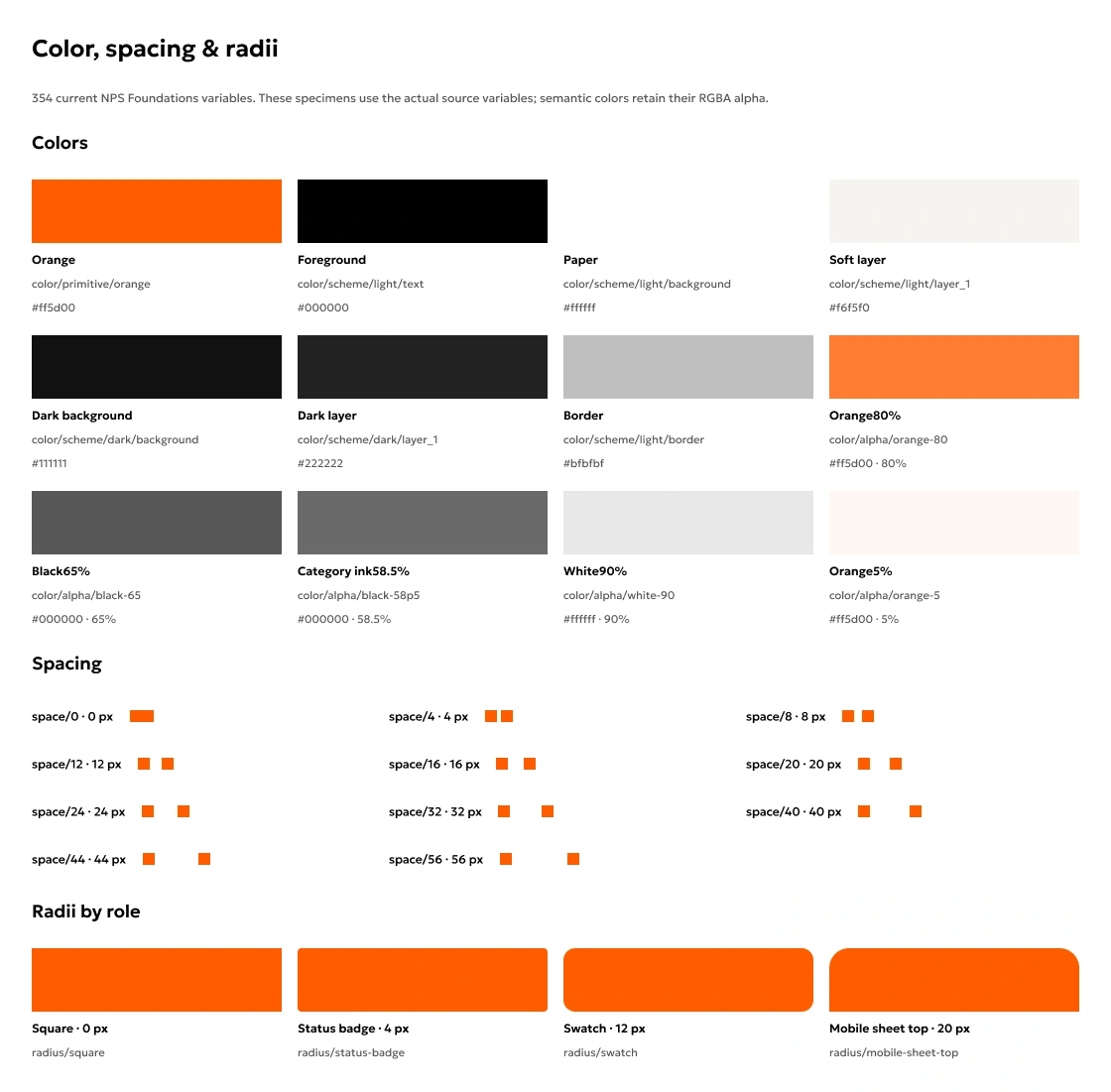
A shared visual language.
Type, colour and spacing references document the store's visual rules for subsequent work.
Interaction states
Each action.
Its visible states.
These original Figma captures document the add-to-cart control from its default state through focus, loading and unavailable states.

DefaultReady for the next action. 
HoverWhen the pointer moves over the button. 
PressedWhile the button is being pressed. 
Keyboard focusA clear outline for keyboard navigation. 
DisabledWhen the action is unavailable. 
LoadingWhile the next step is loading.
Original components from the Figma library. Select a state to inspect it.
Responsive layouts
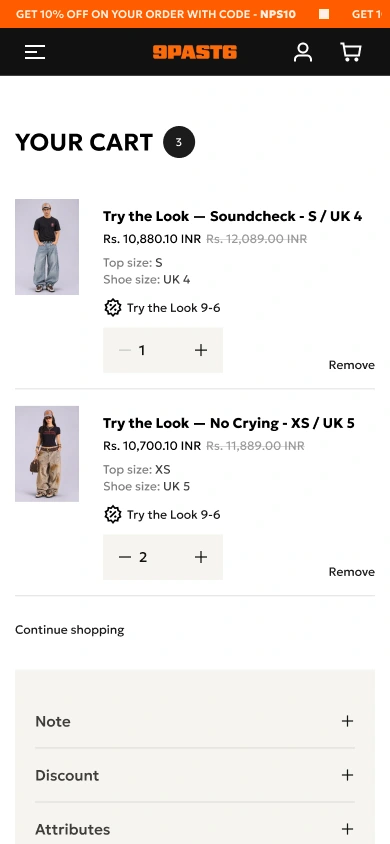
Product and cart.
Across screen sizes.
The same library documents a desktop product view and the mobile cart used in the connected prototype.
Cart / Mobile




06 / Imagery & creative direction
Real product photographs.
A wider visual world.
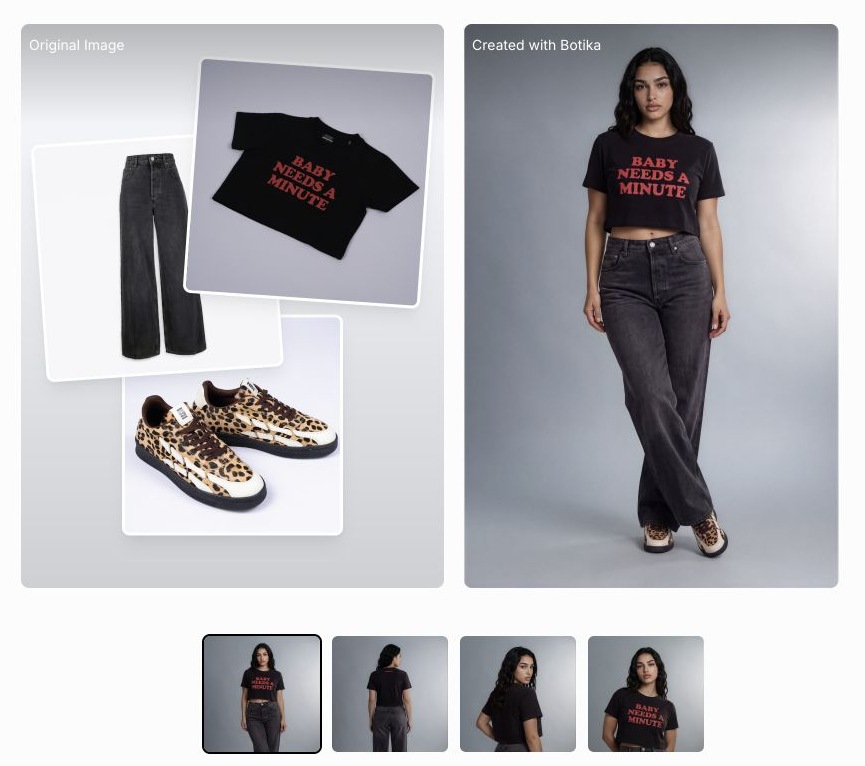
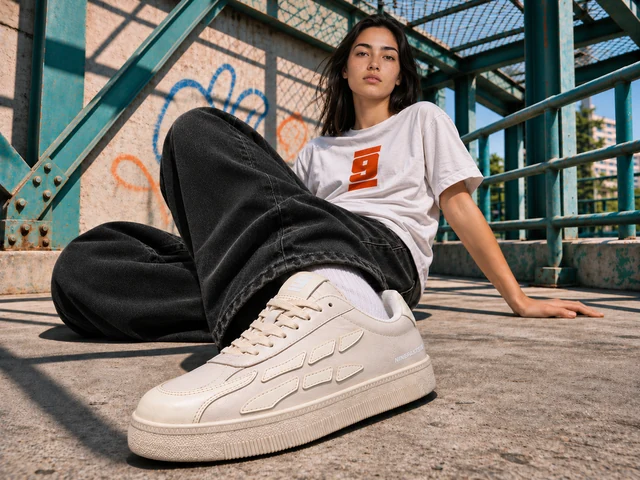
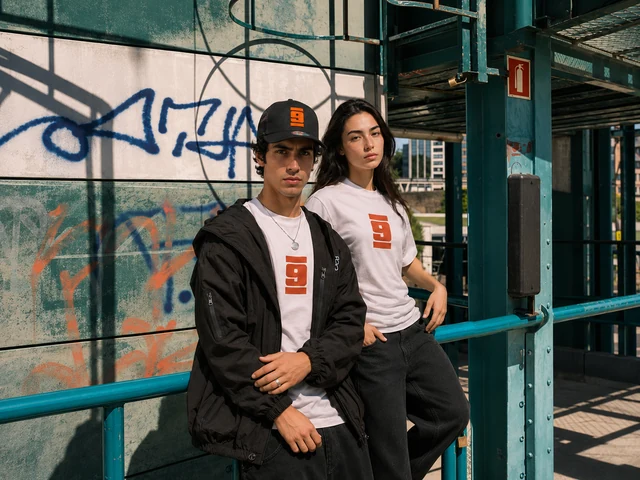
We had well-shot flat lays, but the team wanted to avoid the expense of an extensive model photoshoot. I used the real photographs as inputs for Botika model and studio imagery. A graphic design intern supported manual corrections to generated prints, fabric and logos under my direction.
From visual direction to campaign film
One direction, across stills and motion.
For the launch campaigns, I created moodboards, directed the visual approach and generated visuals, including work with Higgsfield and Gemini. A film editor handled the launch campaign edits under my creative direction.
From visual direction
to the final film.

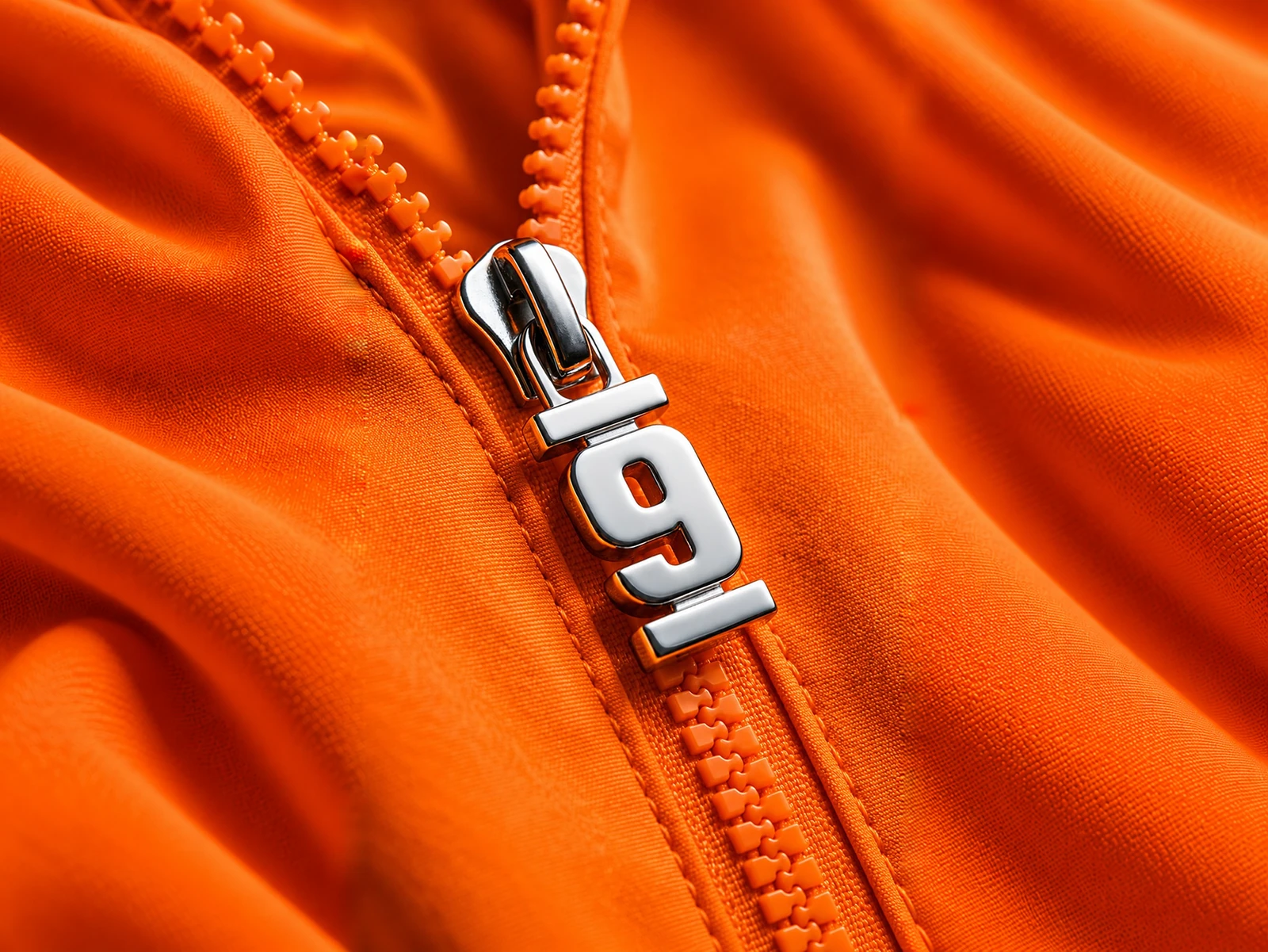
 01 / Zipper
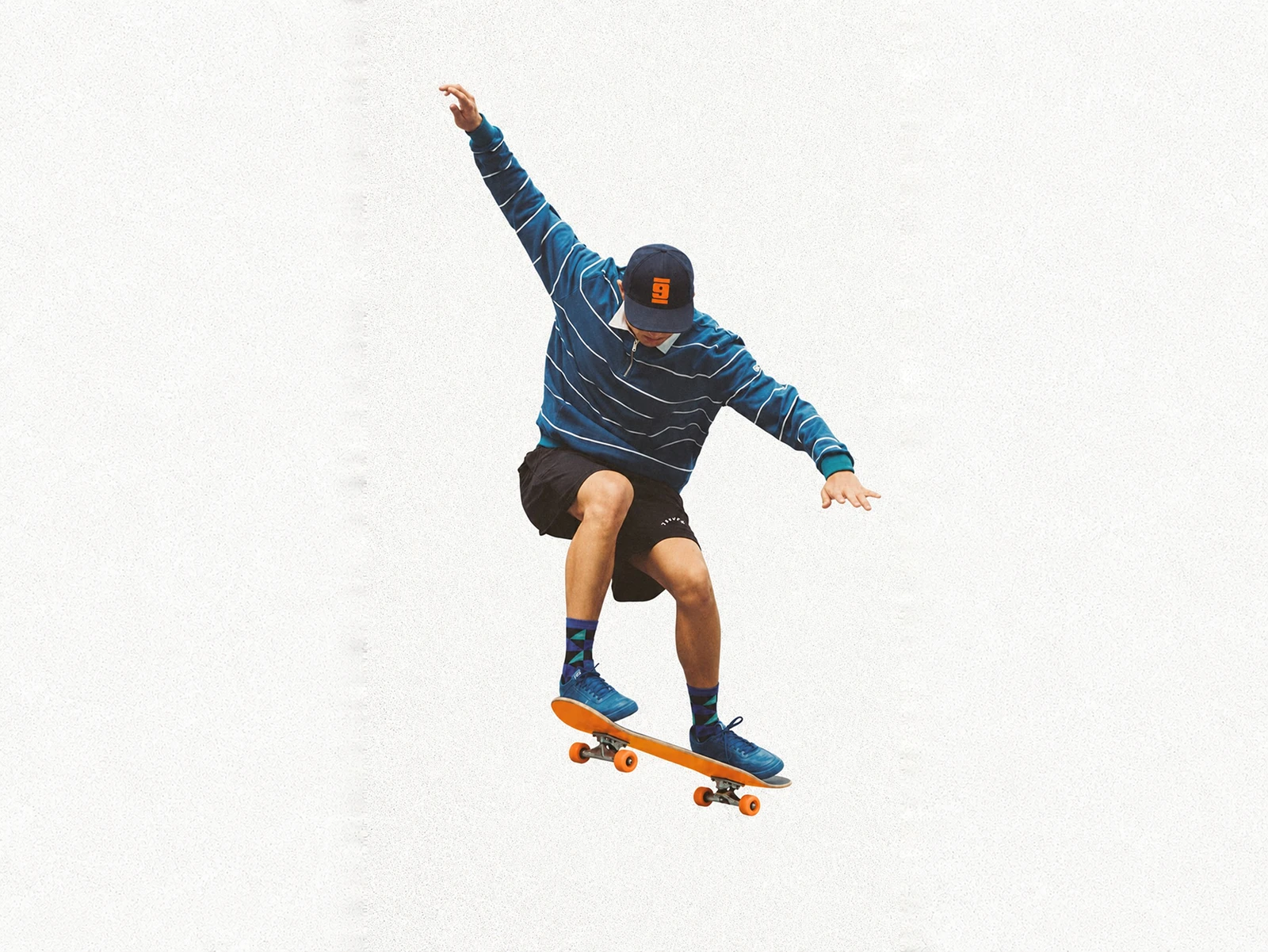
 02 / Skater
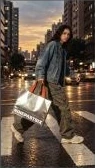 03 / City
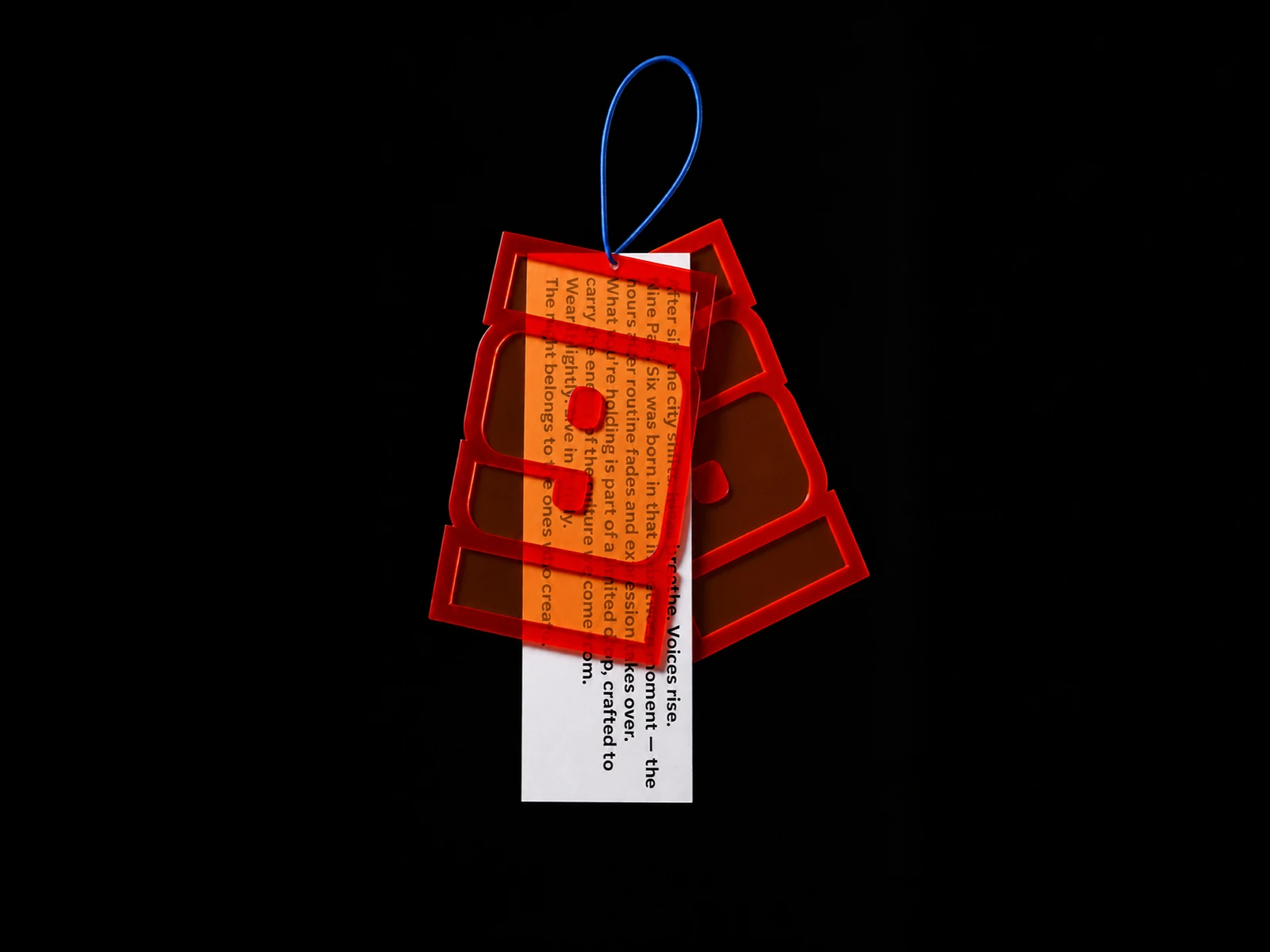
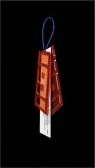 04 / Tag in
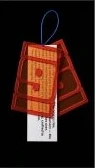 05 / Tag out
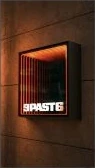 06 / Sign in
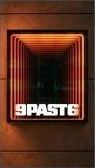 07 / Sign out
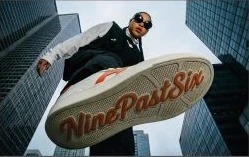 08 / Sole
- FigmaCreative direction
- ChatGPTStory & prompts
- HiggsfieldAI video production
- DaVinci ResolveFilm editing



From product photography to model imagery.
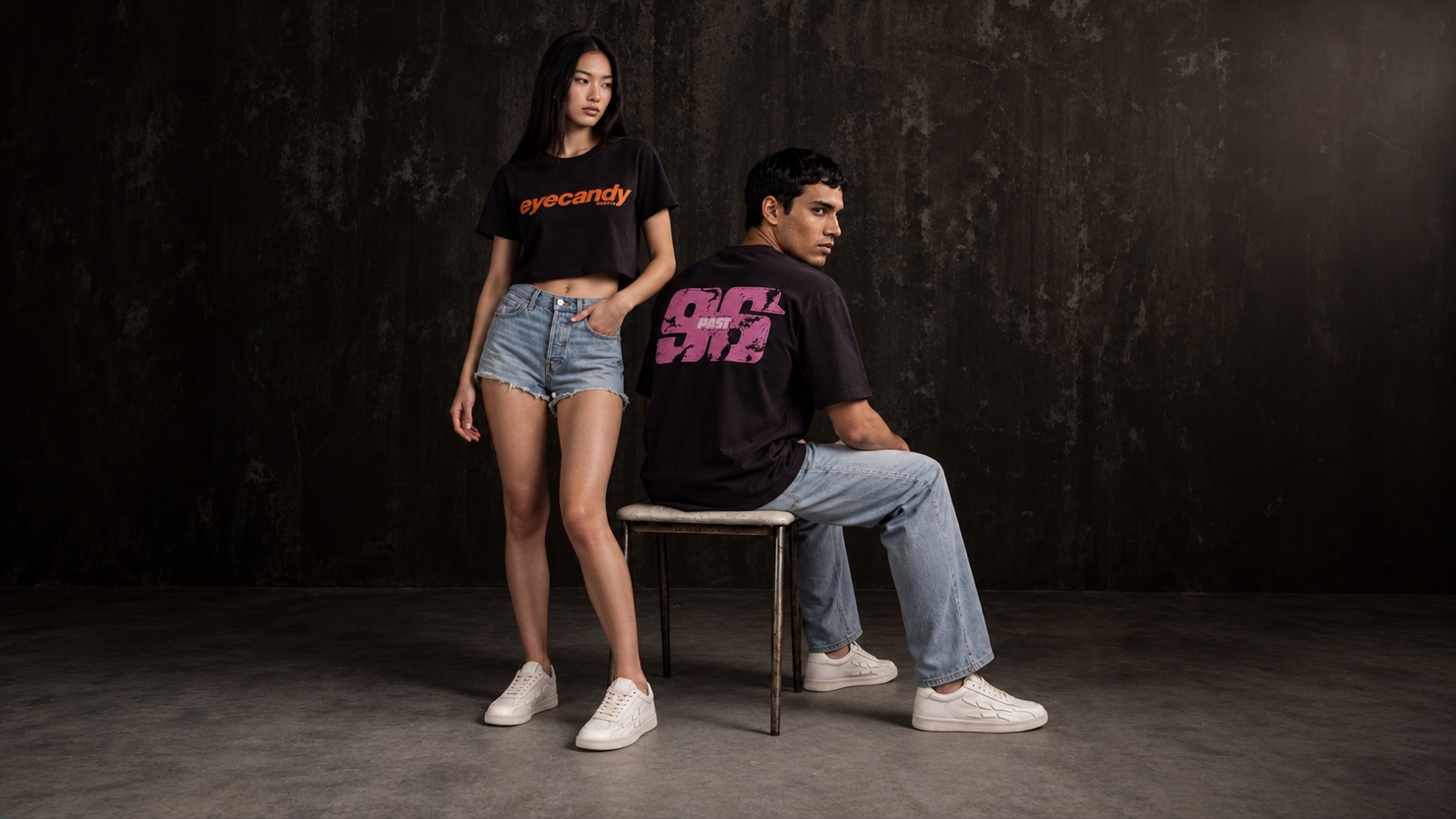
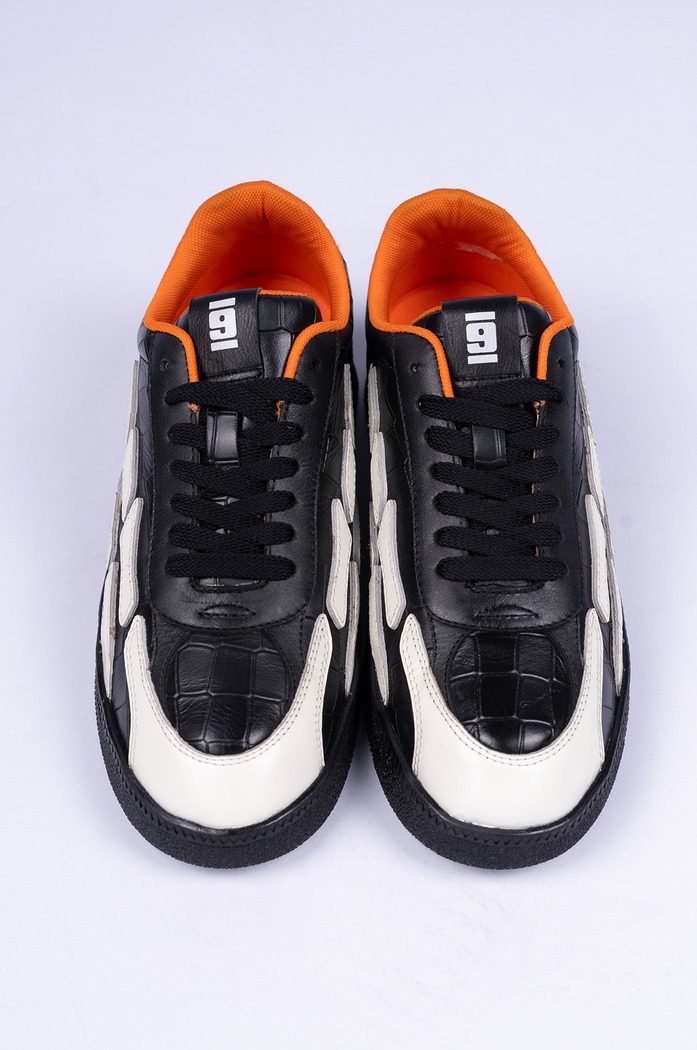
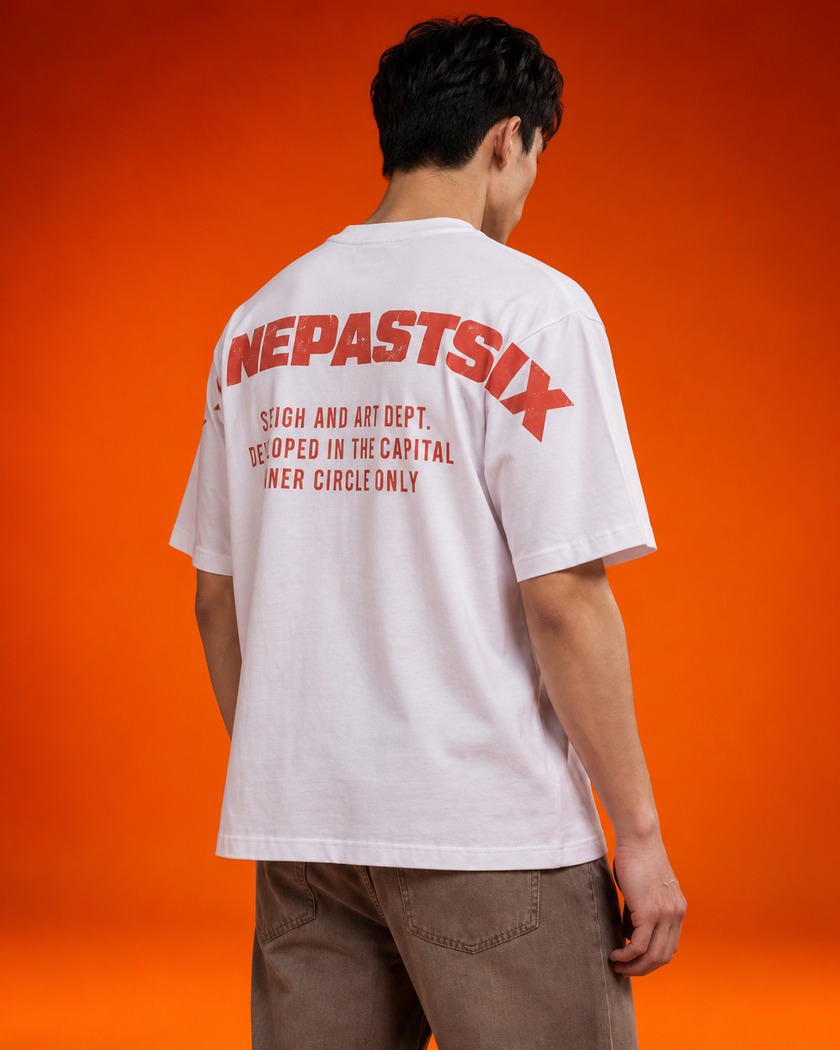
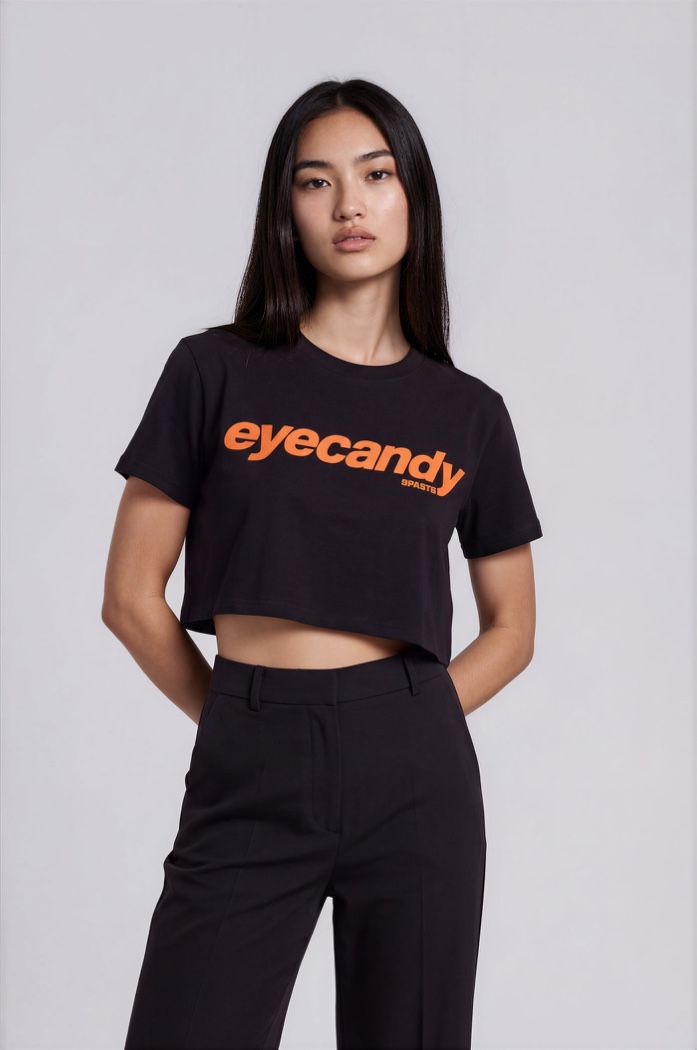
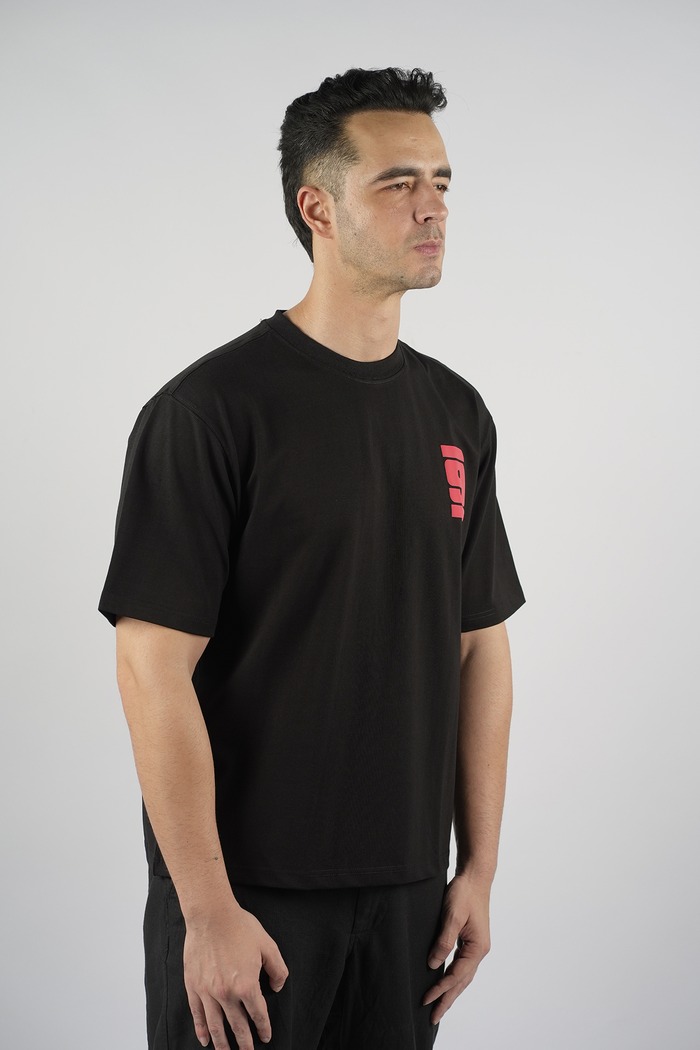
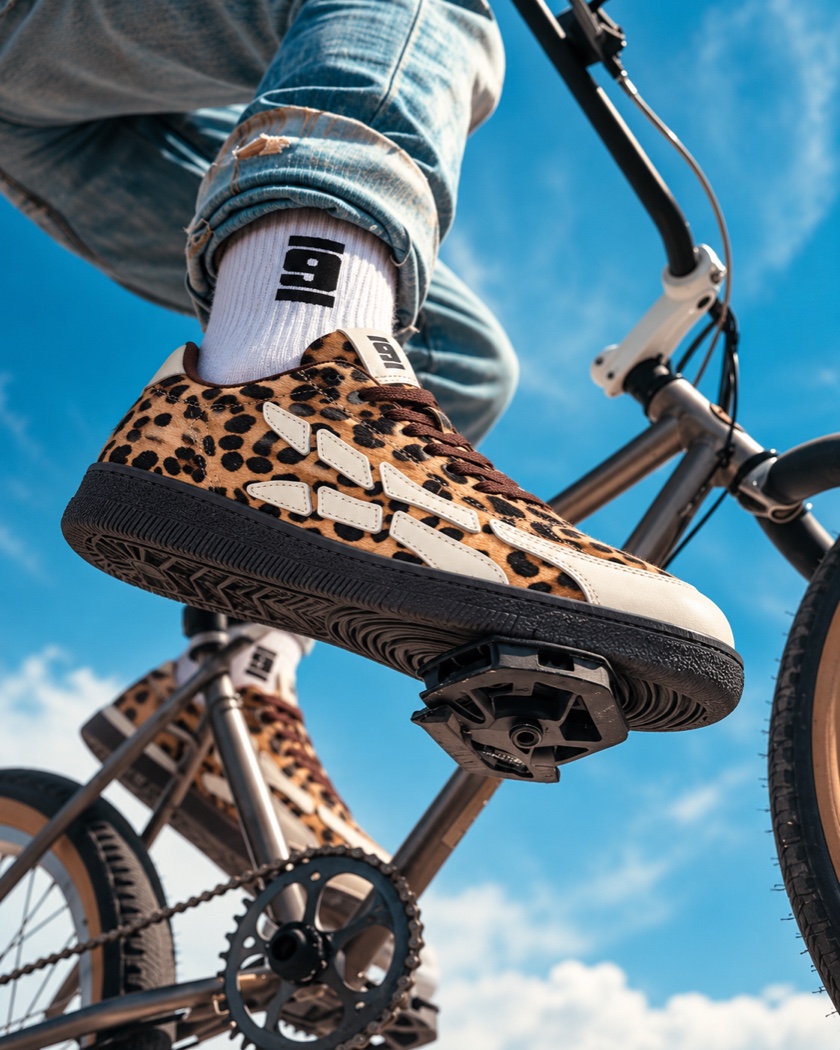
From flat lay to final fit.
- 01 / Figma
Pair models with garments
I mapped model choices to front and back flat lays before building the looks.
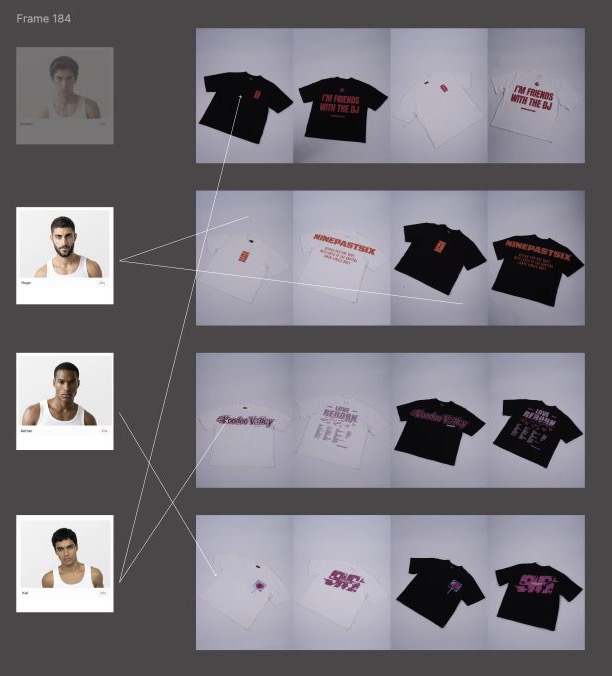
Menswear casting 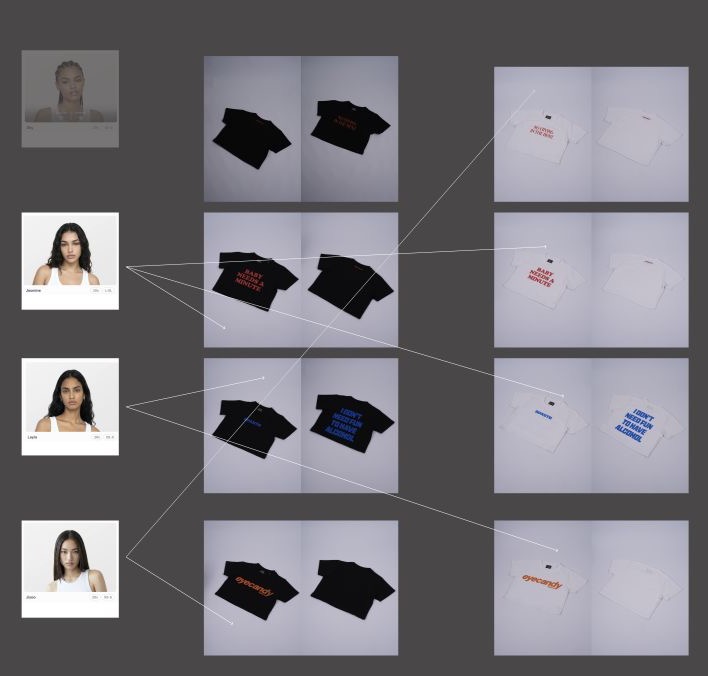
Womenswear casting - 02 / Botika
Generate and compare poses
Two saved Botika projects show how I paired each tee with bottoms and sneakers, then compared the resulting poses.
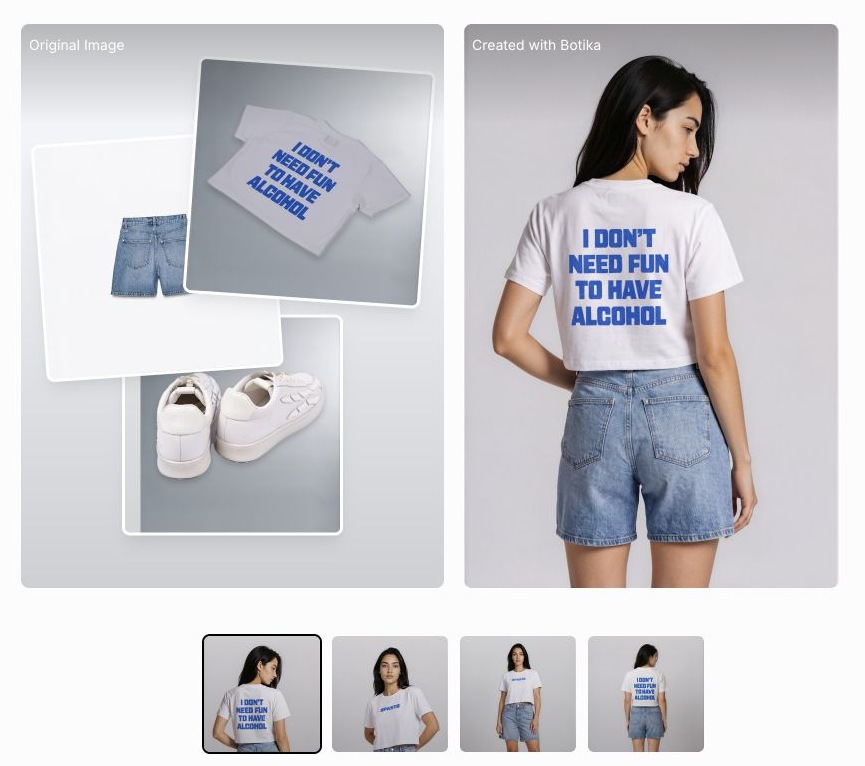
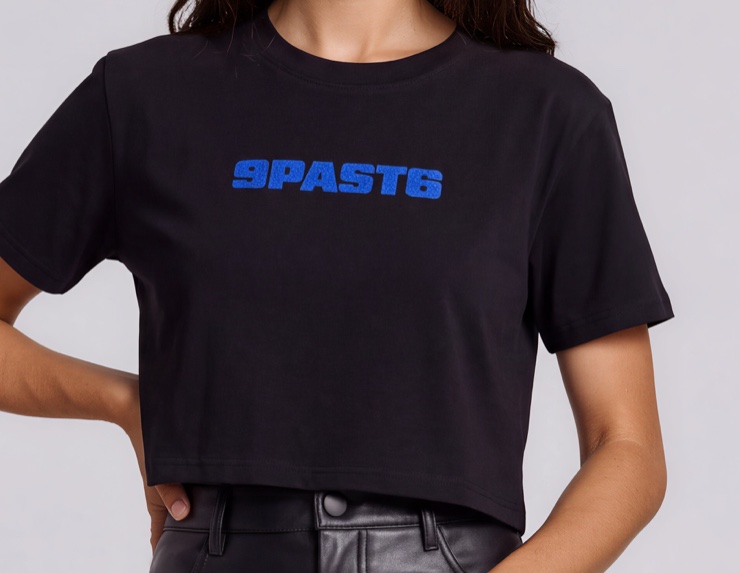
- 03 / Figma selection
Check the fit and the details
The final shoot pairs the cropped black 9PAST6 tee with a black leather-look skirt. Close-ups from the same frame show the model’s face and the blue print.
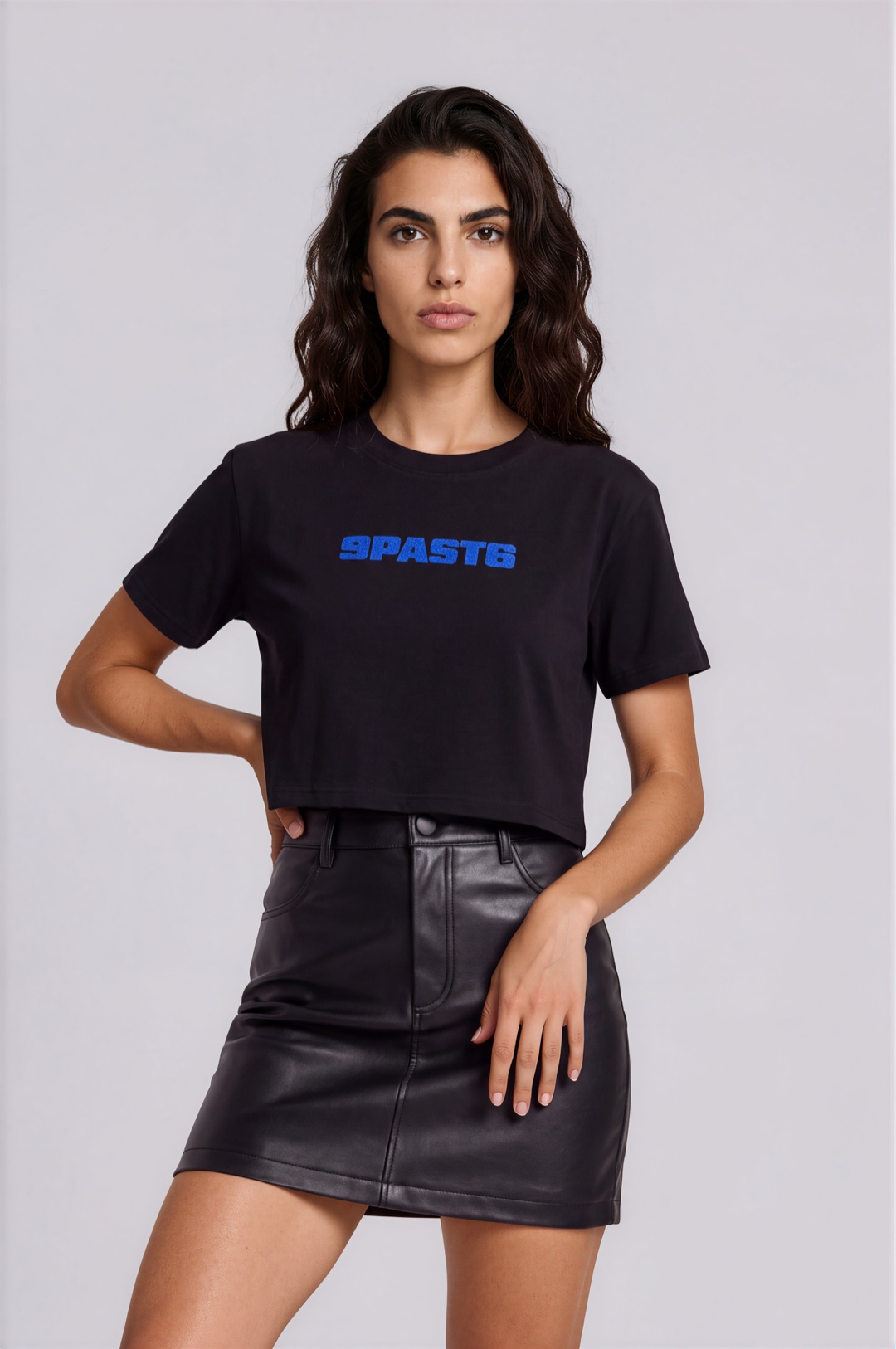
9PAST6 Black / Styled fit 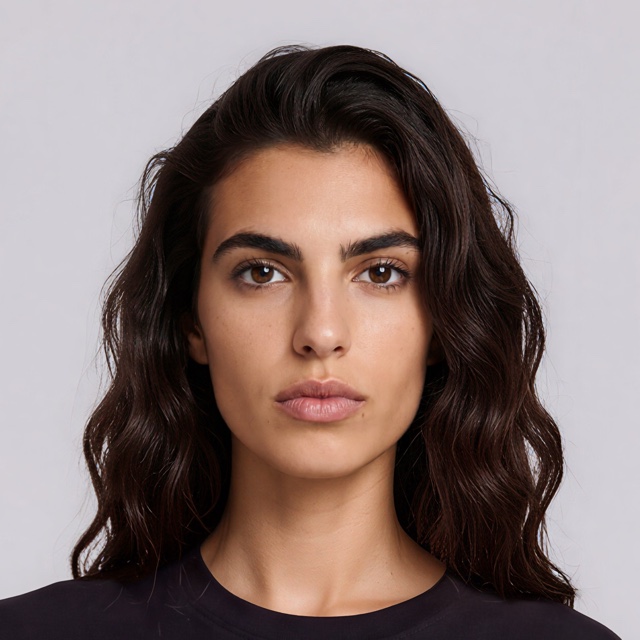
9PAST6 Black / Skin and hairline 9PAST6 Black / Print and fabric
Campaigns beyond the launch.
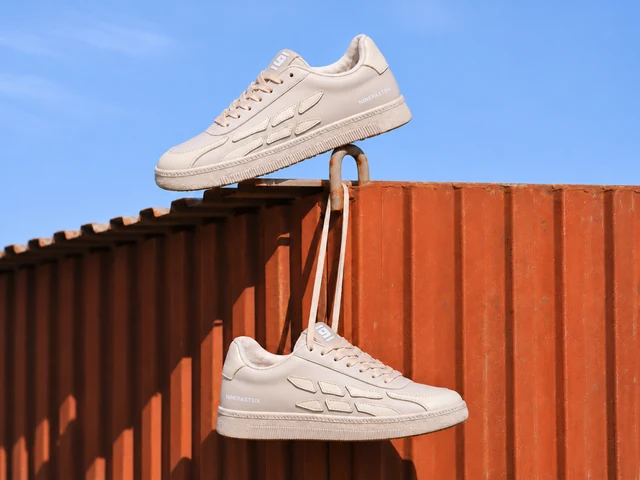
Additional campaign work continued after the October launch. These November films and shot sequences show the collection across industrial settings, courts and street culture.
Directing a streetwear
campaign.
One visual direction, from stills to sound.
How the film came together.
- Research & direction
Pinterest and lifestyle references shaped the moodboard and visual direction.
- Generate the stills
The stills were generated in Higgsfield from selected references.
- Develop the motion
Gemini brought the selected stills into motion.
- Build the edit
The sequence and transitions were refined in DaVinci Resolve Studio.
- Design the sound
ElevenLabs voiceover and custom music formed the final sound design.
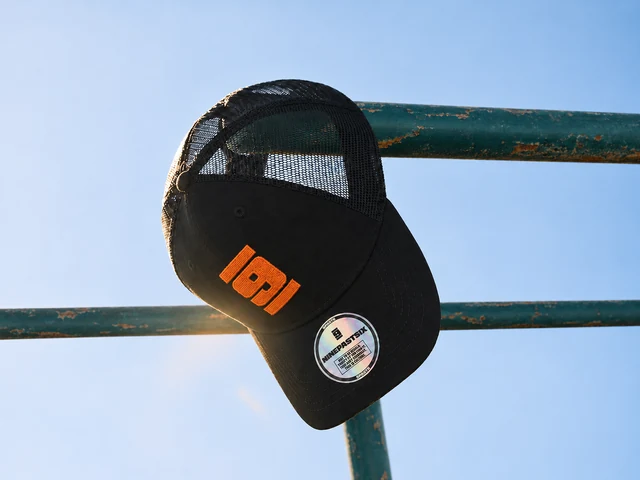 01Set the cap in motion
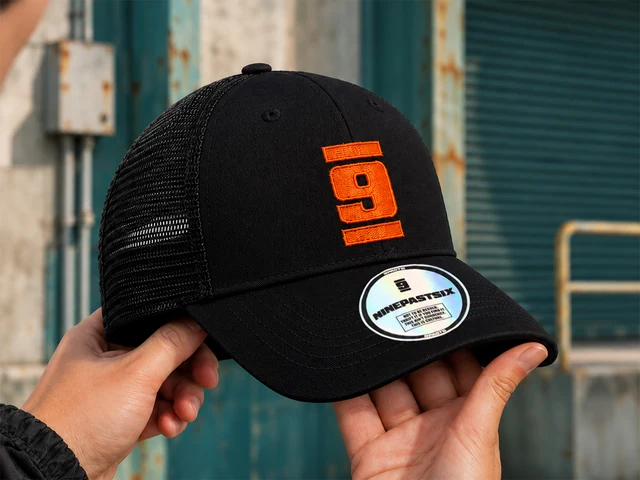 02Bring the mark closer
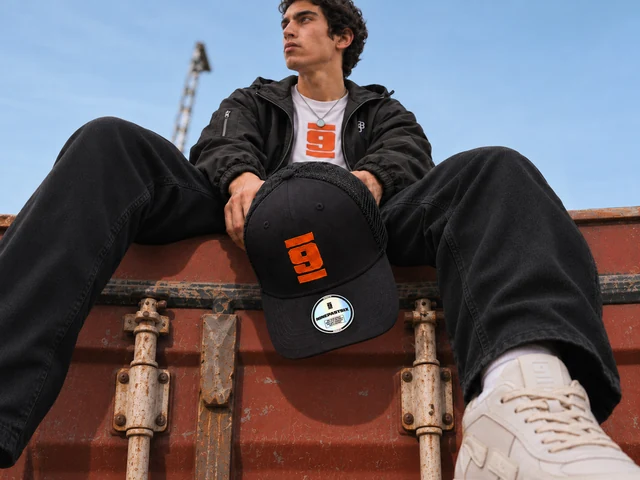 03Take a lower angle
 04Lead with the sole
 05Connect the collection
 06Isolate the product
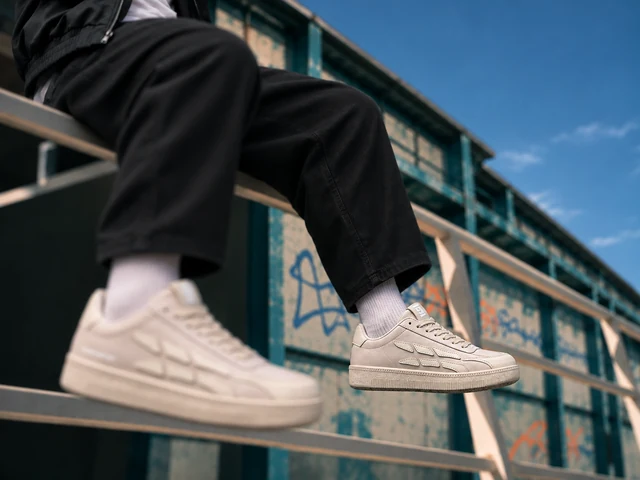 07Follow the movement
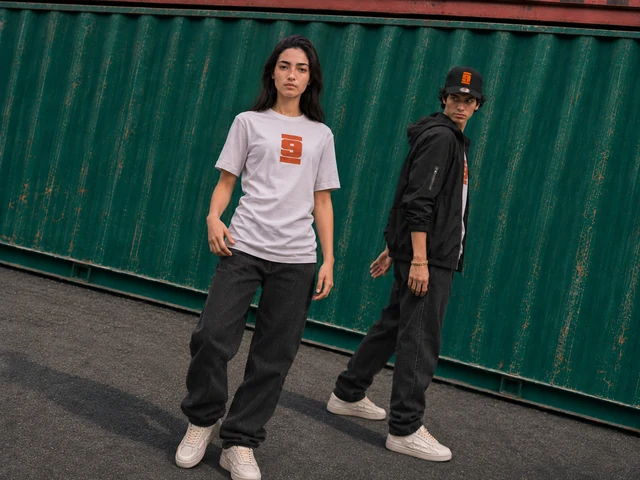 08Close on the full look
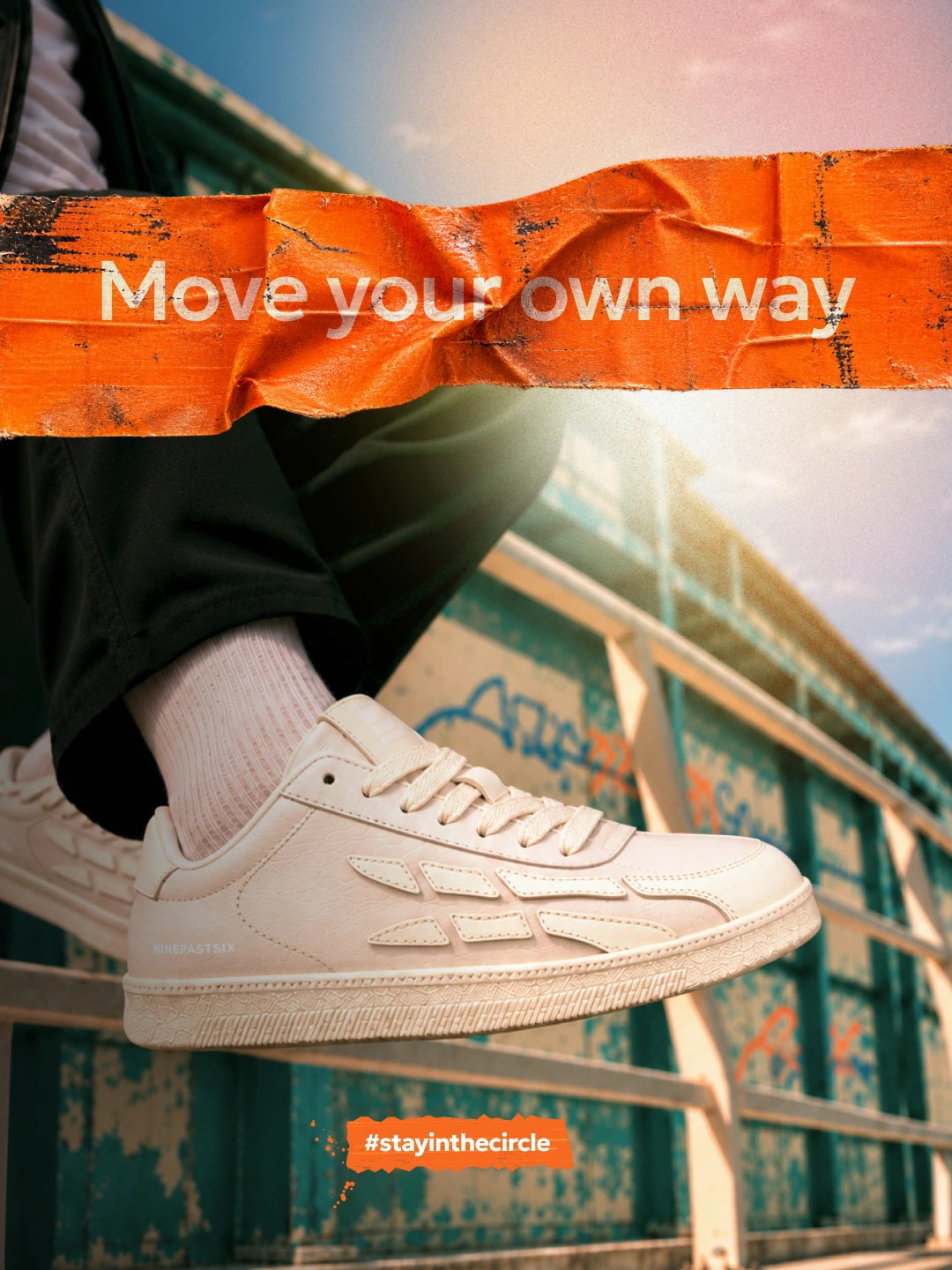
Caps, courts
and street culture.
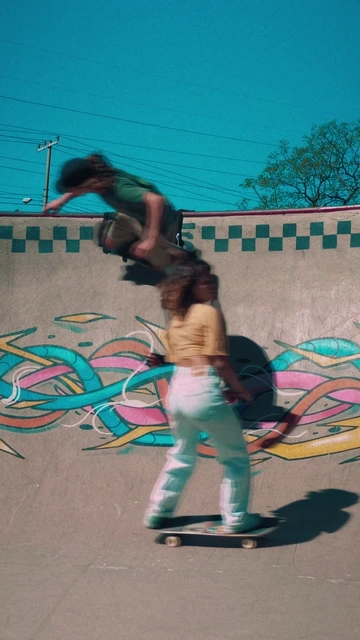
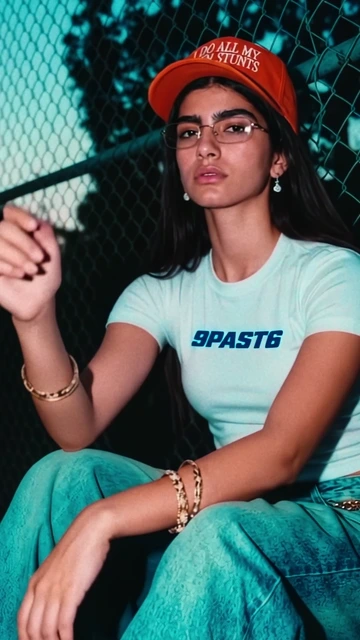
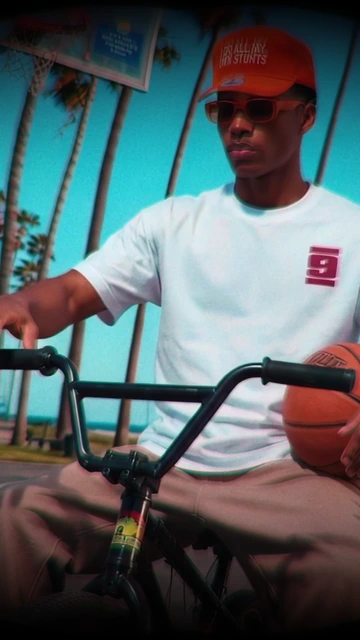
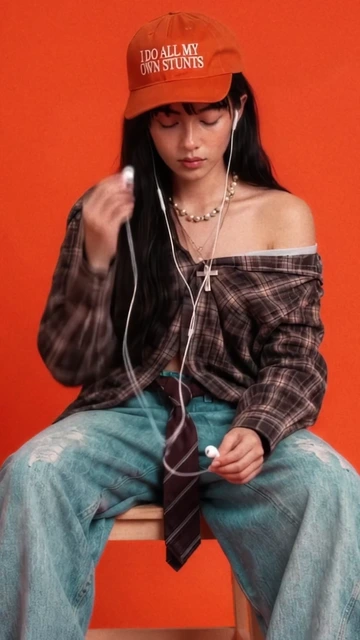
AI-generated scenes, brought together through motion, fast cuts and custom sound.
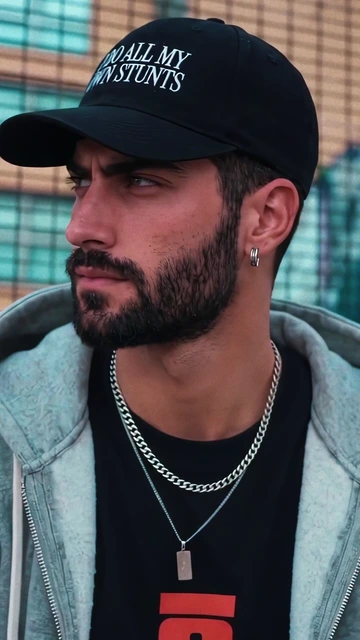 01Open on the attitude
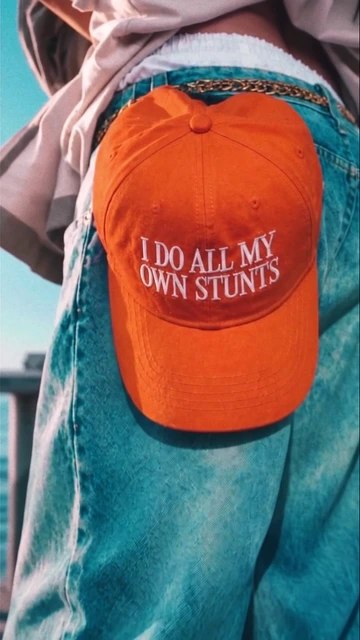 02Let the cap lead
 03Move through the city
 04Frame the full look
 05Switch to the BMX
 06Cut to the orange studio
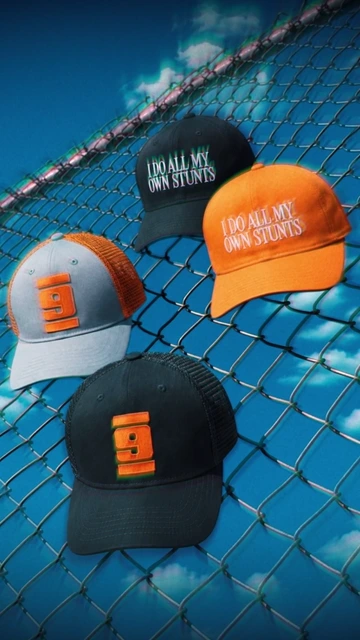 07Bring the caps together
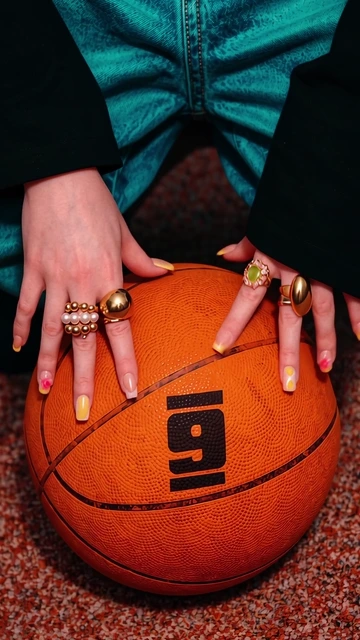 08Land on the brand
Key frames from the finished film.
How the film came together.
- Gather references
Inspiration set the visual direction.
- Generate the stills
ChatGPT developed the campaign imagery.
- Plan the sequence
Figma brought the storyboard together.
- Build the motion
Higgsfield and Gemini generated the film loops.
- Edit & design sound
DaVinci Resolve Studio shaped the cuts, colour and custom sound.
- Finish the film
Topaz AI upscaled the final edit.
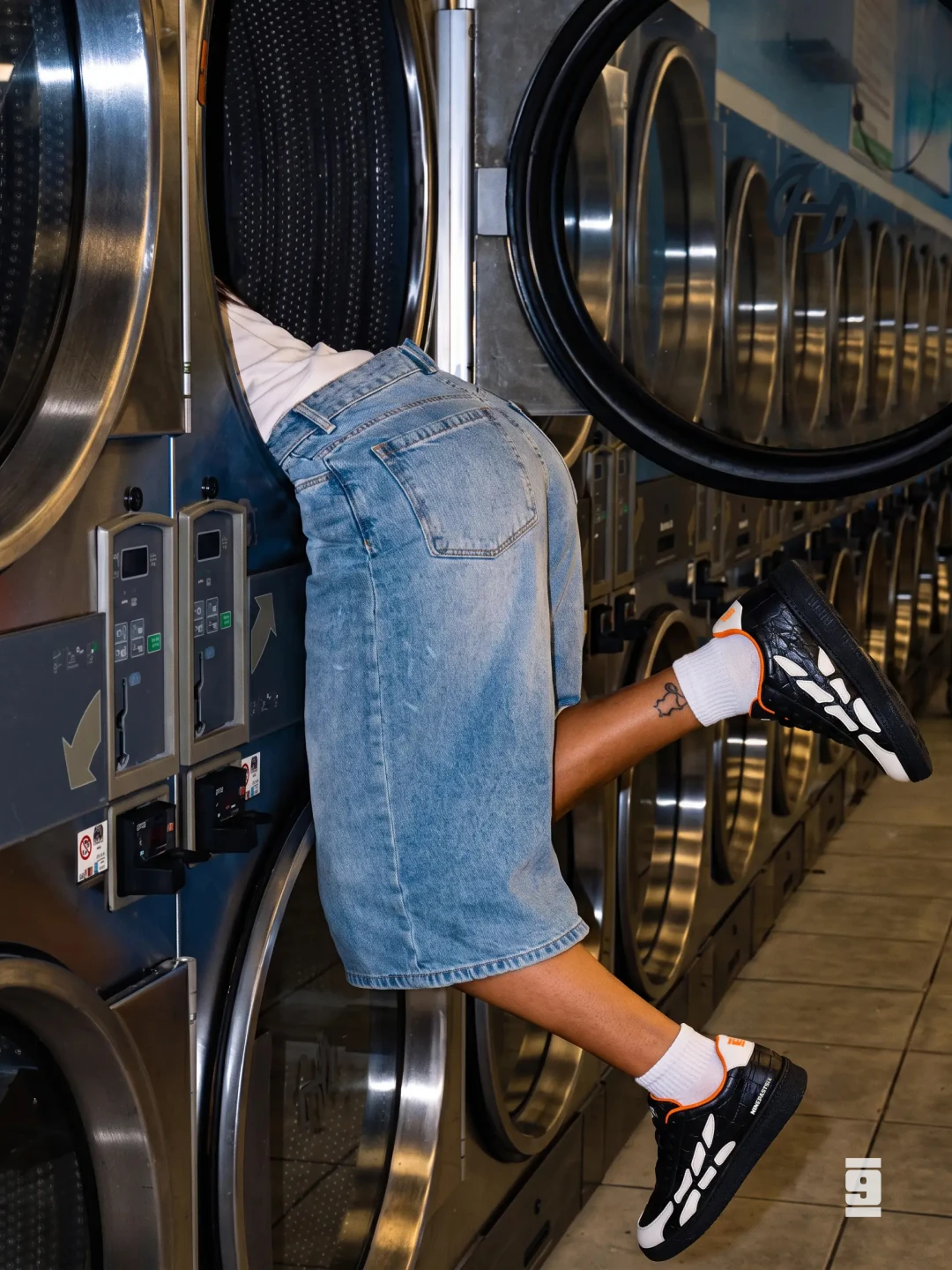
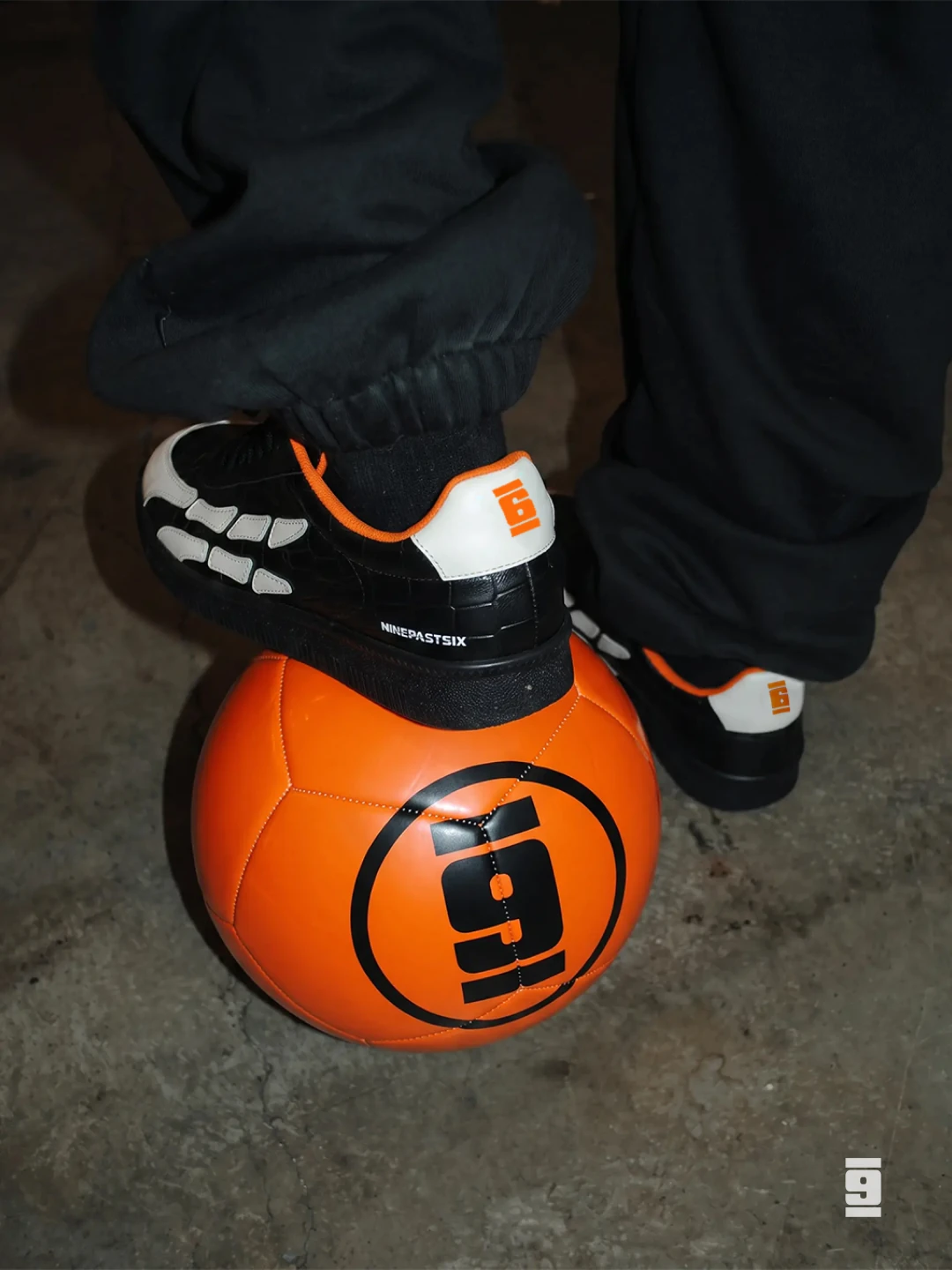
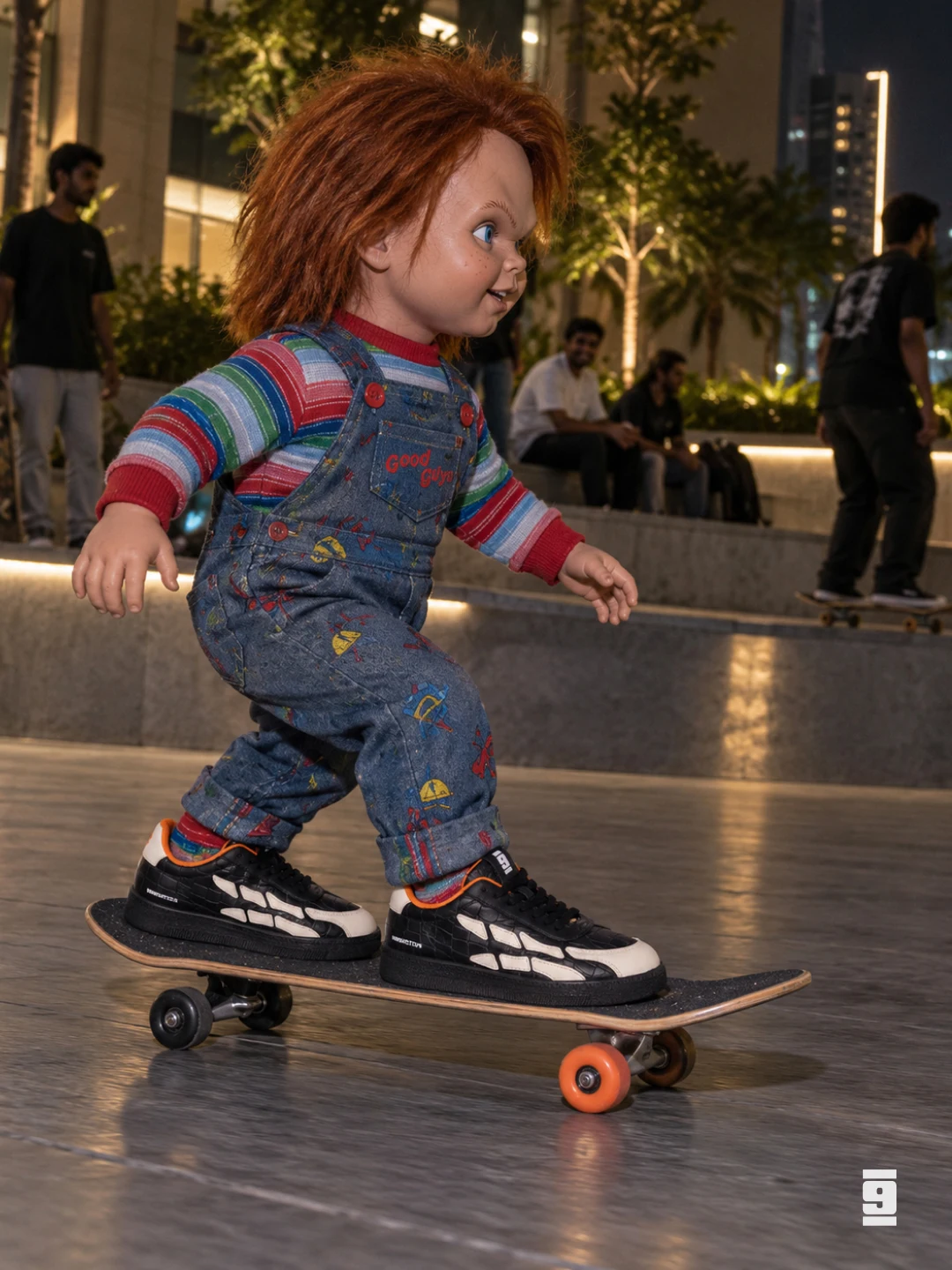
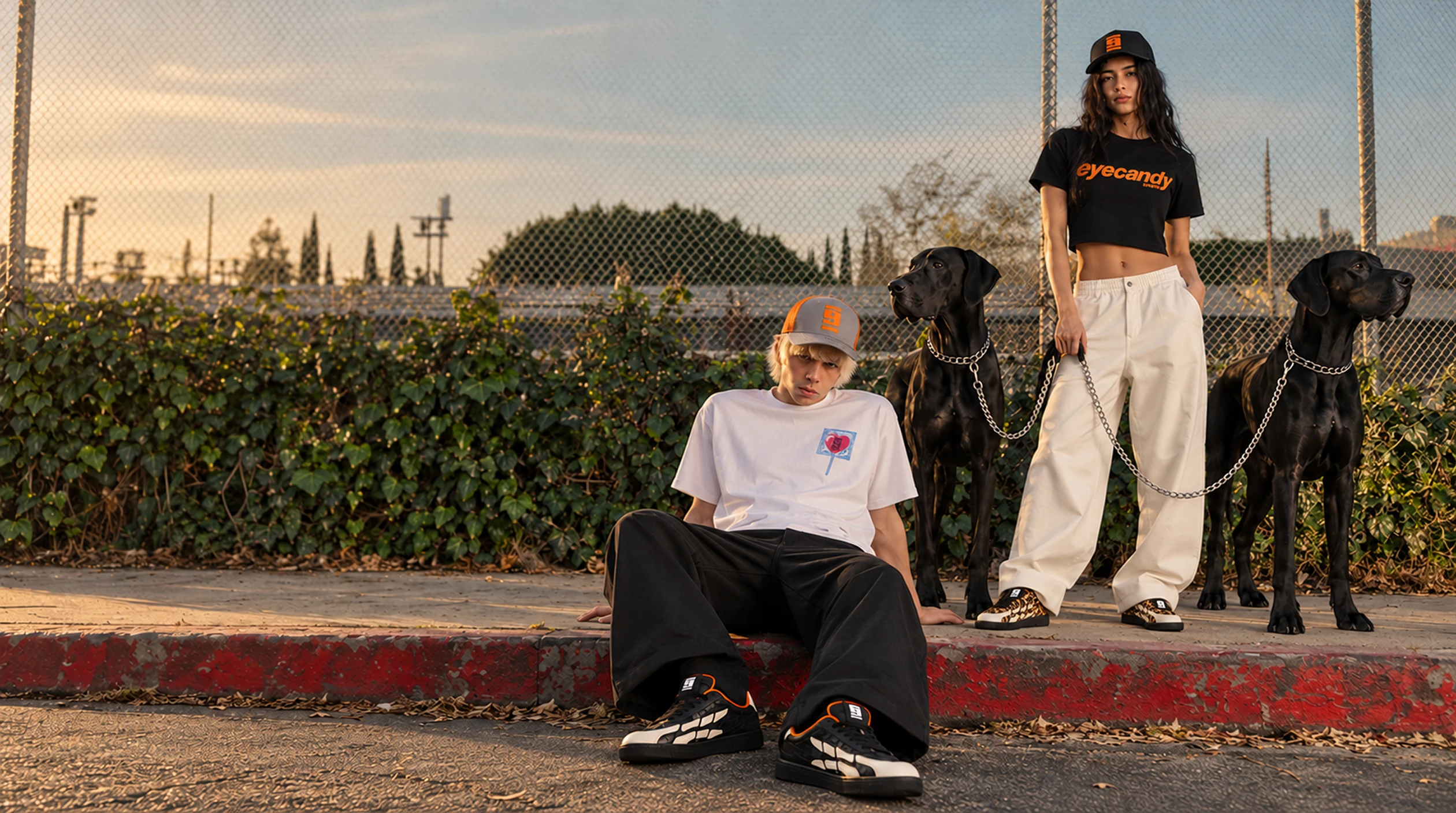
The Bare-Bones reveal and campaign artwork.
Directing the Bare-Bones reveal.
- 01 / Leather detail
- 02 / Blackout profile
- 03 / Panels apart
- 04 / Signature White
- 05 / Back to Blackout
- 06 / Heel angle
- 07 / Sole apart
- 08 / Assembled
- 09 / Rear detail
- 10 / Shoebox
- 11 / Box angle
- 12 / Box opens
- 13 / Into the dark
- 14 / Brandmark in
- 15 / Brandmark out
 01 / Show the signature panels
Separate the ivory overlays from the upper to make the Bare-Bones motif visible.
 02 / Break out the sole
Pull the upper, midsole and outsole apart to show the sneaker’s construction.
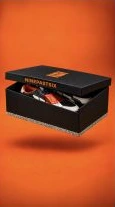 03 / Stage the shoebox
Test the opening and the transition from the orange backdrop to black.
07 / Delivery & next steps
A working store.
A starting point to learn.
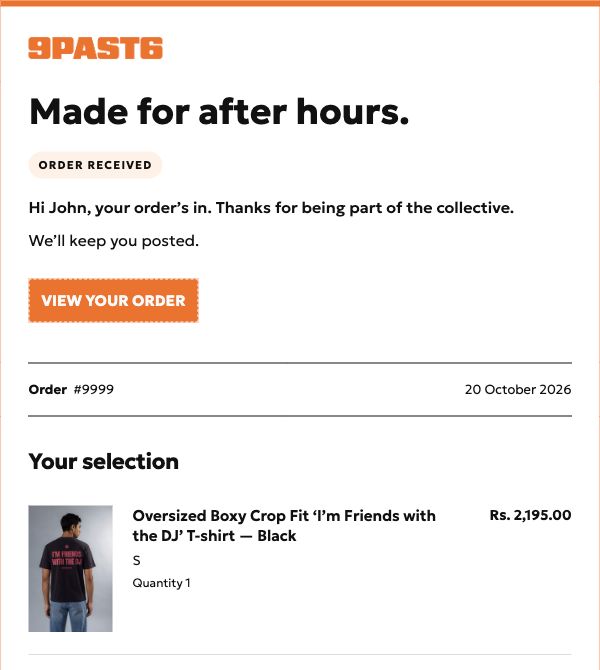
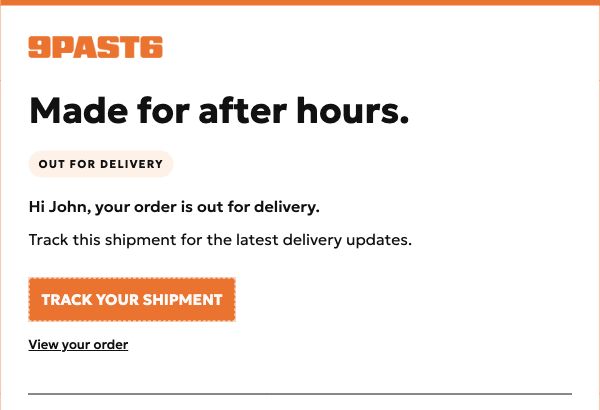
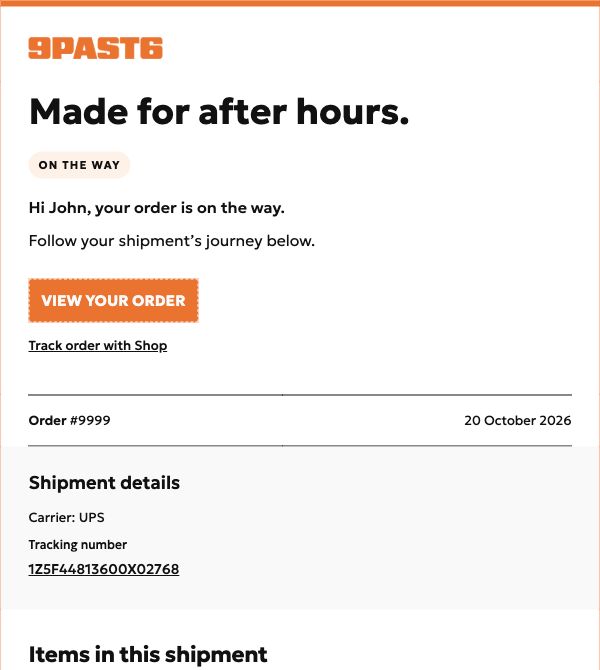
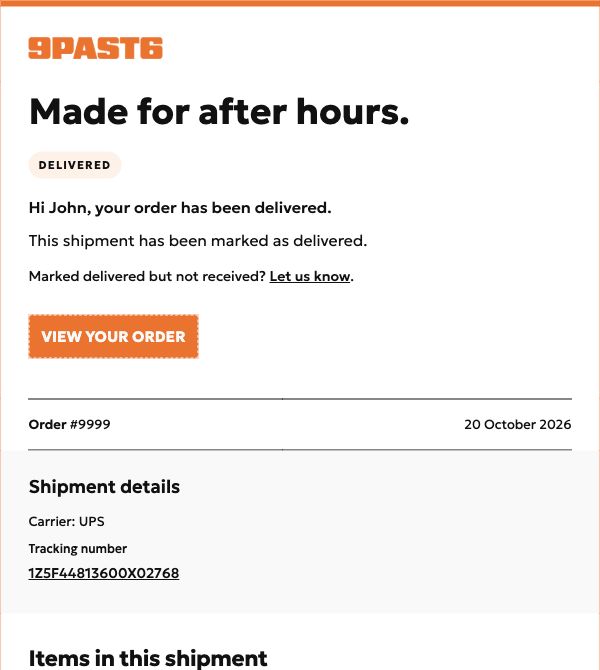
NinePastSix launched in October 2026 with a responsive storefront, custom shopping interactions, a complete-look offer, payment choices, editable product content and connected customer communication.
October usage snapshot
1–19 October 2026
- Mobile add-to-cart
- 6.4%
- Shopify human-classified mobile sessions
- Mobile checkout reach
- 4.4%
- Shopify human-classified mobile sessions
- Engaged sessions
- 58.5%
- GA4 sessions across devices
These figures describe early usage, not before-and-after improvements. Shopify and GA4 use different session definitions and populations, so the values do not form one funnel. Internal traffic was not separately excluded from the Shopify report.
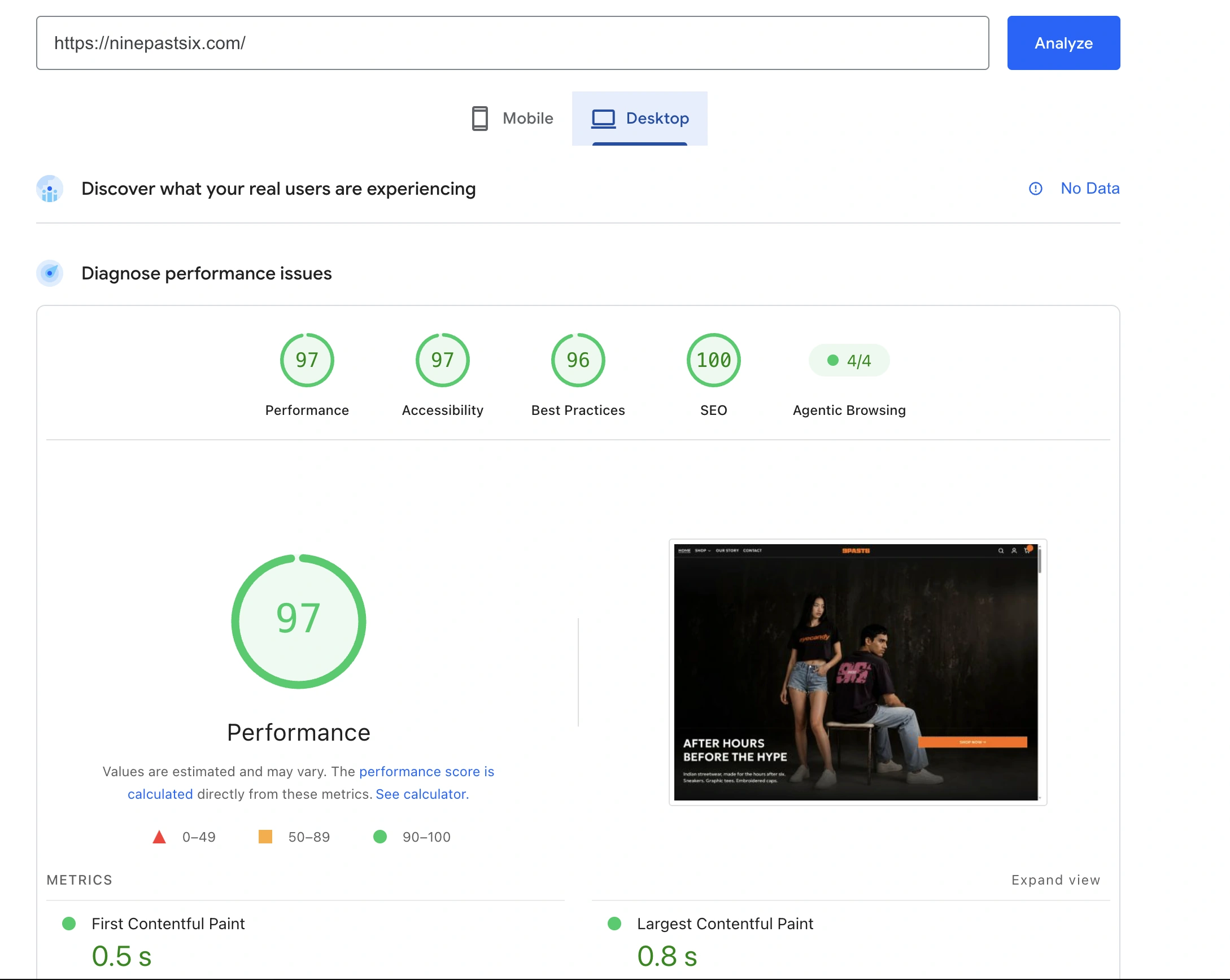
Desktop performance report
13 October 2026
A historical desktop lab measurement from Google PageSpeed Insights. Scores reflect the test on 13 October 2026. Real-user field data was unavailable.
“He also helped structure the website in a way that is easy to manage internally. The final setup gave us a clearer ecommerce foundation.”
What I would improve next
Bring real customer experiences into the store.
My next priority is customer reviews and imagery. Feedback about fit, quality and styling can answer questions that editorial images alone cannot. I would use that feedback alongside shopping behaviour to decide what to improve.
Project team
- Danish Qamar
- Ecommerce design, Shopify development and creative direction
- Rakshit Karwasra
- Founder and CEO
- Karun
- Manager
- Shubho
- Launch campaign film editing
- Ayush
- Graphic design and generated-image cleanup
- Zeeshan
- Performance marketing